Free where it counts.
Every feature that matters is free. Plans add data on the Sendya server — the one that reaches your devices on other networks — and Max adds team features. On the same network, everything is unlimited.
Basic
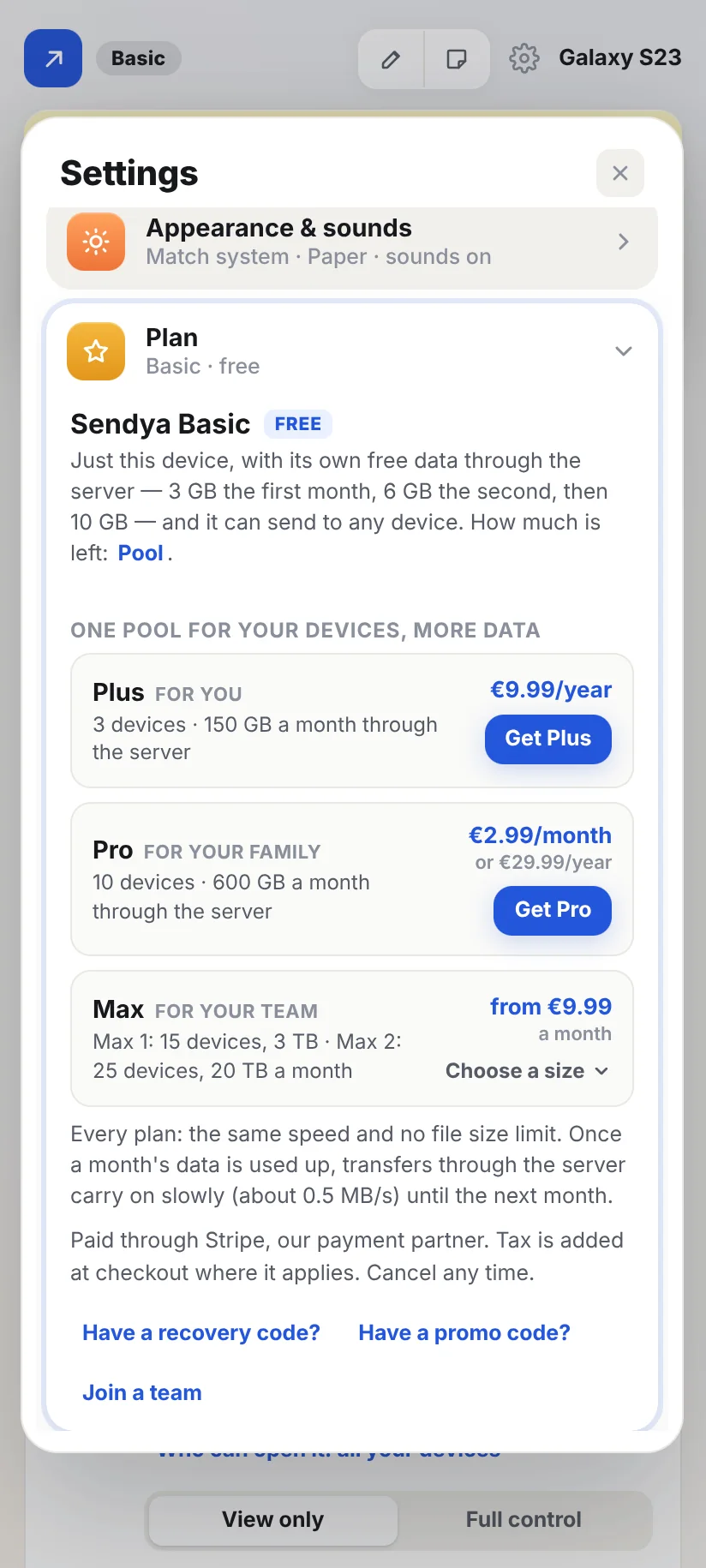
- 10 GB a month through the server — 3 GB the first month, 6 GB the second
- This device — sends to anyone
- Every feature
Plus
- One pool for 3 devices
- 150 GB a month through the server, shared
- Each device sends to anyone
Pro
- One pool for 10 devices
- 600 GB a month through the server, shared
- Each device sends to anyone
Max
- One pool for the whole team
- Team page: groups, group admins, team folders, caps and reports
- Each device sends to anyone
Prices include VAT where it applies. You pay on Stripe's secure page, through Link. Then you get your plan's recovery code: in Sendya on a computer or on Android, go to Settings → Plan → Have a recovery code? and type it. That device becomes the plan's Owner. No account needed. You can also buy in the app on a computer or on Android (Settings → Plan). In Sendya from Google Play, outside the US, you pay with Google Play, at the same prices. On iPhone and iPad, you buy in the app with the App Store, at Apple's prices. By buying, you agree to the terms.
How plans workShared data, adding devices, a new phone, your recovery code — explained with examples.Read the guideYour plan lives in the app.
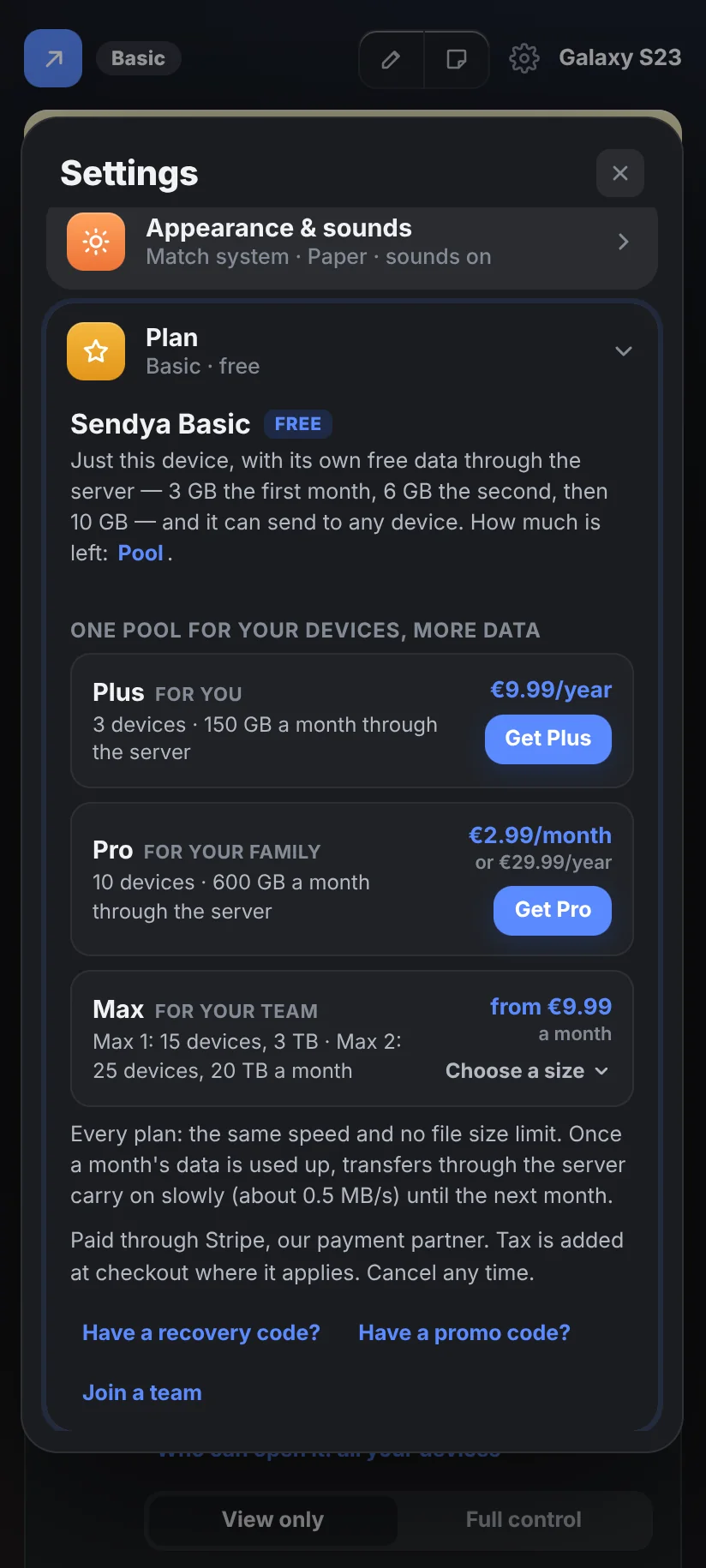
Settings → Plan shows what you're on, how much of the month's data is used, and every device on your plan. Add or remove devices there, and keep your recovery code — no account anywhere.
- Add a device right after pairing it
- Share with family: a partner's or a parent's phone can join your plan
- Being on a plan never pairs devices or shares files
Which plan fits?
Only devices on other networks count — on the same network, everything is free and unlimited.
Plus fits: 3 devices and 150 GB a month, for less than €1 a month.
Side by side.
| Basic | Plus | Pro | Max | |
|---|---|---|---|---|
| Price | Free | €9.99 / year | €29.99 / year or €2.99 / month | from €9.99 / month |
| Devices sharing the pool | This device | 3 | 10 | Max 1: 15 · Max 2: 25 |
| Data through the server | 10 GB a month (3 → 6 → 10) | 150 GB a month | 600 GB a month, shared | Max 1: 3 TB · Max 2: 20 TB a month, shared |
| Who you can send to | Anyoneevery plan | |||
| Same network | Unlimited, never countedevery plan | |||
| File size limit | Noneevery plan | |||
| Speed through the server | The same on every plan: as fast as the slower of the two connections, up to the server's 500 Mbit/s, shared by everyone sending at that moment. Plans add data, not speed.every plan | |||
| Who pays for a transfer | Each device, from its own pool. Between two devices on the same plan, it counts once.every plan | |||
| When your month's data is used up | The slow lane (about 0.5 MB/s) until the next month starts. The same network stays at full speed.every plan | |||
| With a device whose data is used up | Slow lane (full speed if it's on a plan) | Full speed | Full speed | Full speed |
How fast? Exactly this fast.
No small print: here's what decides your speed, and what happens when a month's data runs out.
On the same network
As fast as your Wi‑Fi or cable allows — the quickest way to send. Never counted, never slowed.
Through the Sendya server
As fast as the slower of the two internet connections — usually the sender's upload. Shared by everyone sending at that moment; we add servers as Sendya grows.
When the month's data is used up
Nothing stops halfway. Transfers through the server carry on in the slow lane until the next month starts.
How long will it take?
Not sure of your upload speed? Any internet speed test shows it, in Mbit/s. Sendya shows MB/s: 8 times smaller.
Everything you send through the Sendya server — files, folders and notes. The same network never counts.
A transfer counts for the sending device and for the receiving one, each on its own plan — or its own free allowance on Basic. Between two devices on the same plan, it counts once.
Just this device, with its own free allowance. It sends to and receives from any device. When the allowance runs out, transfers carry on in the slow lane until the month ends.
Sendya tells you at 90% and 100% of the month's data, and when your free allowance grows.
Questions about plans.
Is Sendya really free?
Yes. Every feature that matters is free, there are no ads, and on the same network there are no limits at all.
Through the Sendya server, Basic gives each device 10 GB a month (3 GB the first month, 6 GB the second), to any device. Plans add more data, shared by several of your devices, and Max adds team features.
Will a friend whose free data is used up slow me down?
No. With a plan on either side, a transfer only goes in the slow lane when both devices have used up their data. Their side keeps counting on their own allowance, yours on your plan — nothing extra comes off your plan.
Between two devices on Basic, it slows once either one's data is used up.
Who can I send to?
Anyone, on Basic and on every plan: any device, yours or someone else's, as many as you like.
Each device pays from its own pool — what you send or receive comes out of your plan (or your own free 10 GB on Basic), and the other side's out of theirs. Used up? Transfers carry on in the slow lane — never blocked.
How does a plan's pool work?
Link up to 3 devices to Plus, or 10 to Pro: they share one monthly pool of data. In Sendya, Settings → Pool shows each device's name and how much it used this month — never its files.
When every place is taken, Settings → Plan says so: remove a device you don't use in Settings → Pool, or move to a bigger plan.
How fast is it?
On the same network: as fast as your Wi‑Fi or cable allows — the quickest way.
Through the Sendya server: as fast as the slower of the two internet connections, usually the sender's upload. The server carries up to about 60 MB/s (500 Mbit/s) at a time, shared by everyone sending at that moment. We add servers as Sendya grows.
What happens when my month's data runs out?
Nothing breaks. Transfers through the server carry on slowly (about 0.5 MB/s) until the next month starts, and the same network stays at full speed. Sendya tells you before it happens, at 90% and at 100%.
MB/s or Mbit/s?
Sendya shows MB/s. Internet speed tests show Mbit/s, which is 8 times bigger: an upload of 20 Mbit/s is about 2.4 MB/s.
Can I use it for work?
Of course — including the free plan. For teams there's Max: Max 1 has 15 devices and 3 TB a month, Max 2 has 25 devices and 20 TB. One pool for the whole team.
How do I buy or cancel a plan?
On this website (Pricing → Get), in Sendya on a computer or on Android (Settings → Plan), or in the iPhone and iPad app (Settings → Plan), where you pay with the App Store. In Sendya from Google Play, outside the US, you pay with Google Play. Bought here, you get the plan's recovery code: type it in Sendya on a computer or on Android, in Settings → Plan → Have a recovery code?, and that device becomes the plan's Owner. Cancel any time: bought here, in Settings → Plan → Manage payment, or at link.com. Bought with Google Play, in Google Play → Subscriptions, or Settings → Plan → Manage in Google Play. Bought with the App Store: on your iPhone or iPad, Settings → your name → Subscriptions, or Settings → Plan → Manage in the App Store.