One plan for the whole office.
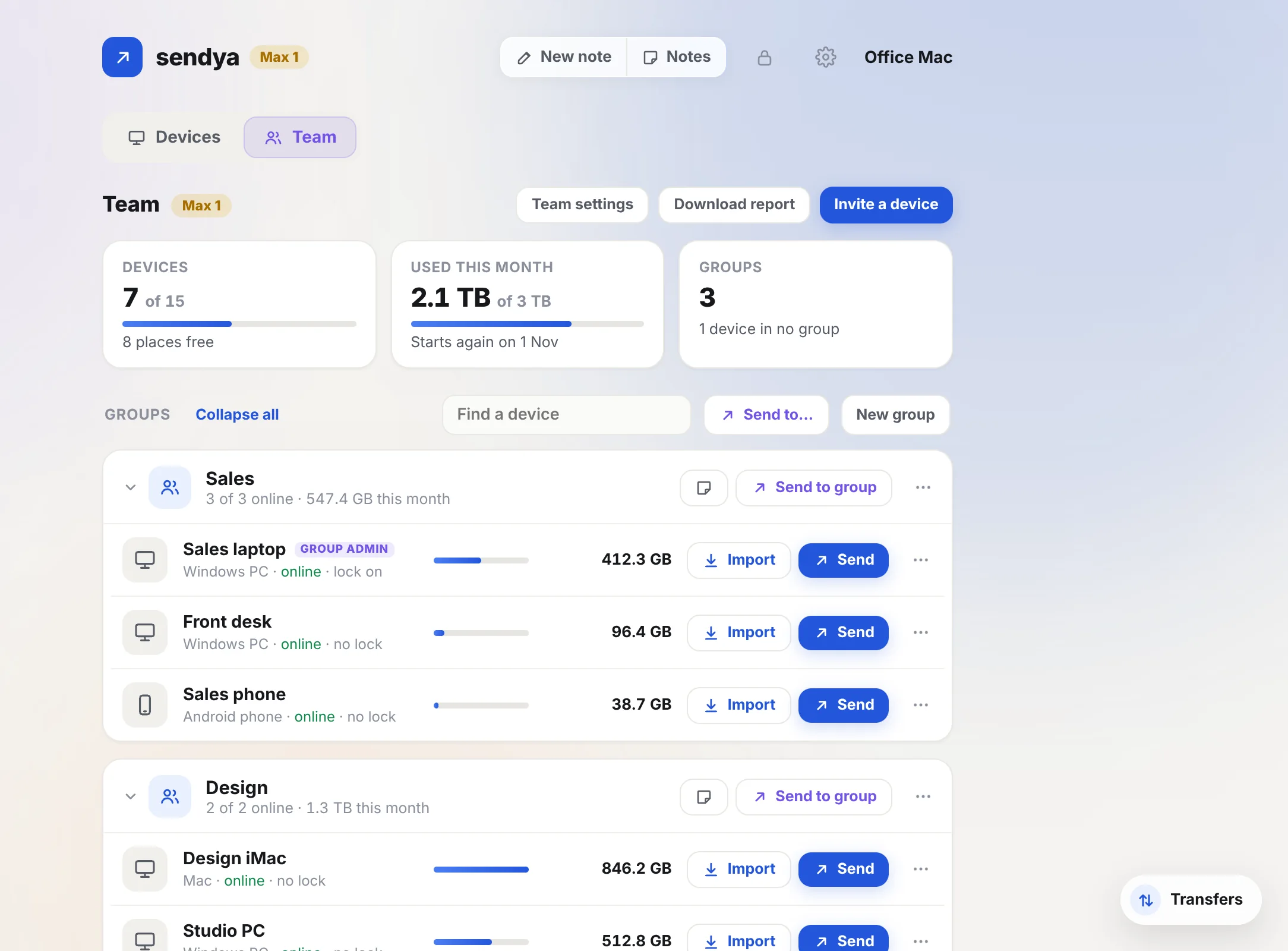
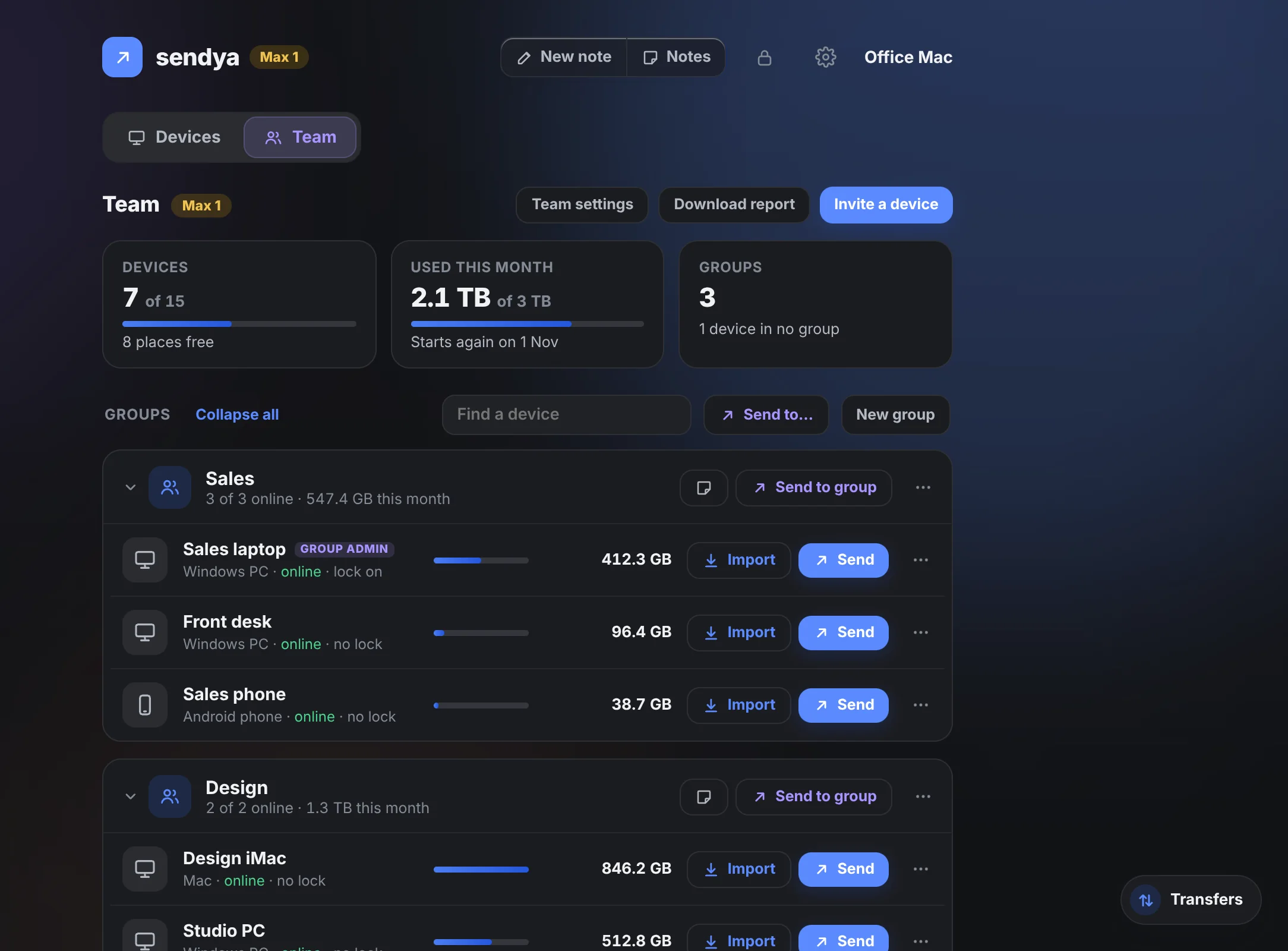
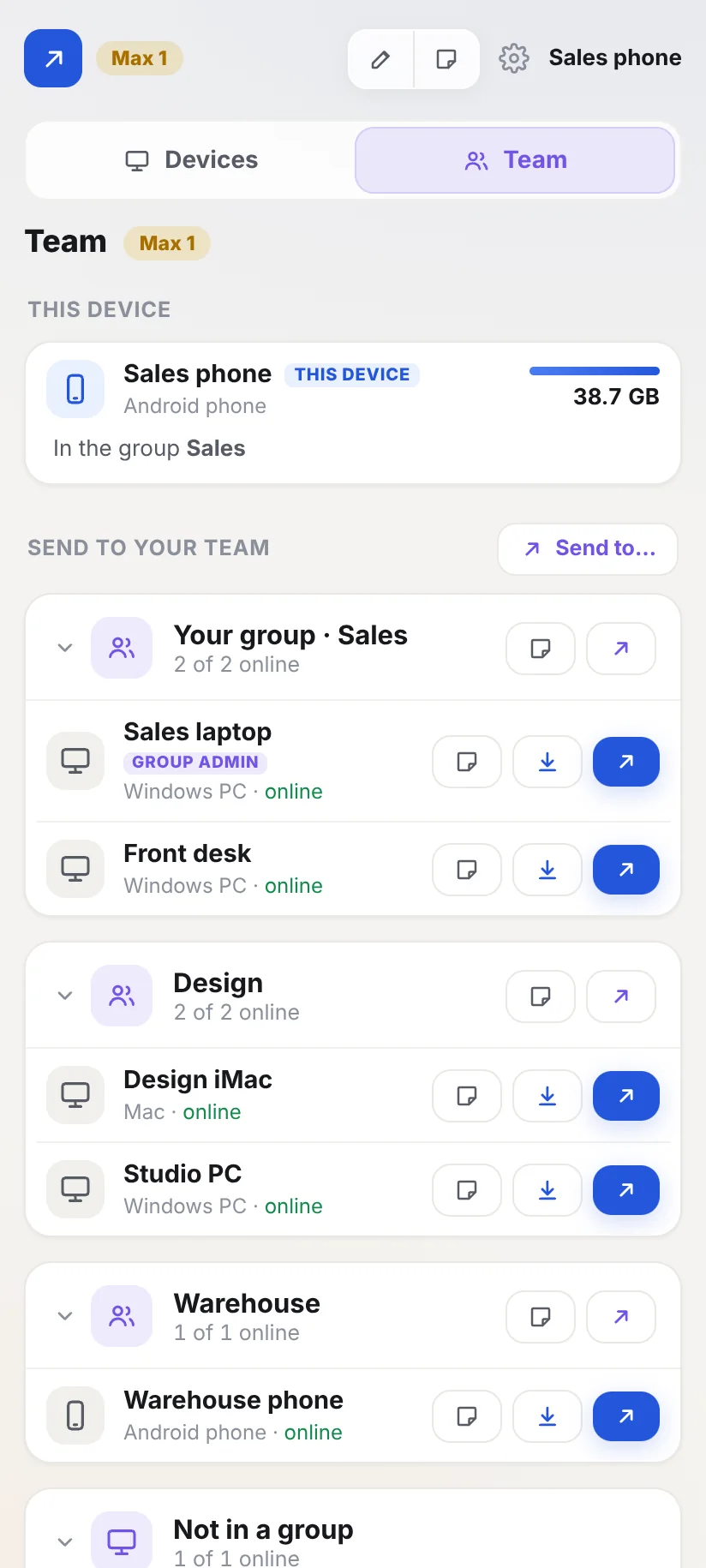
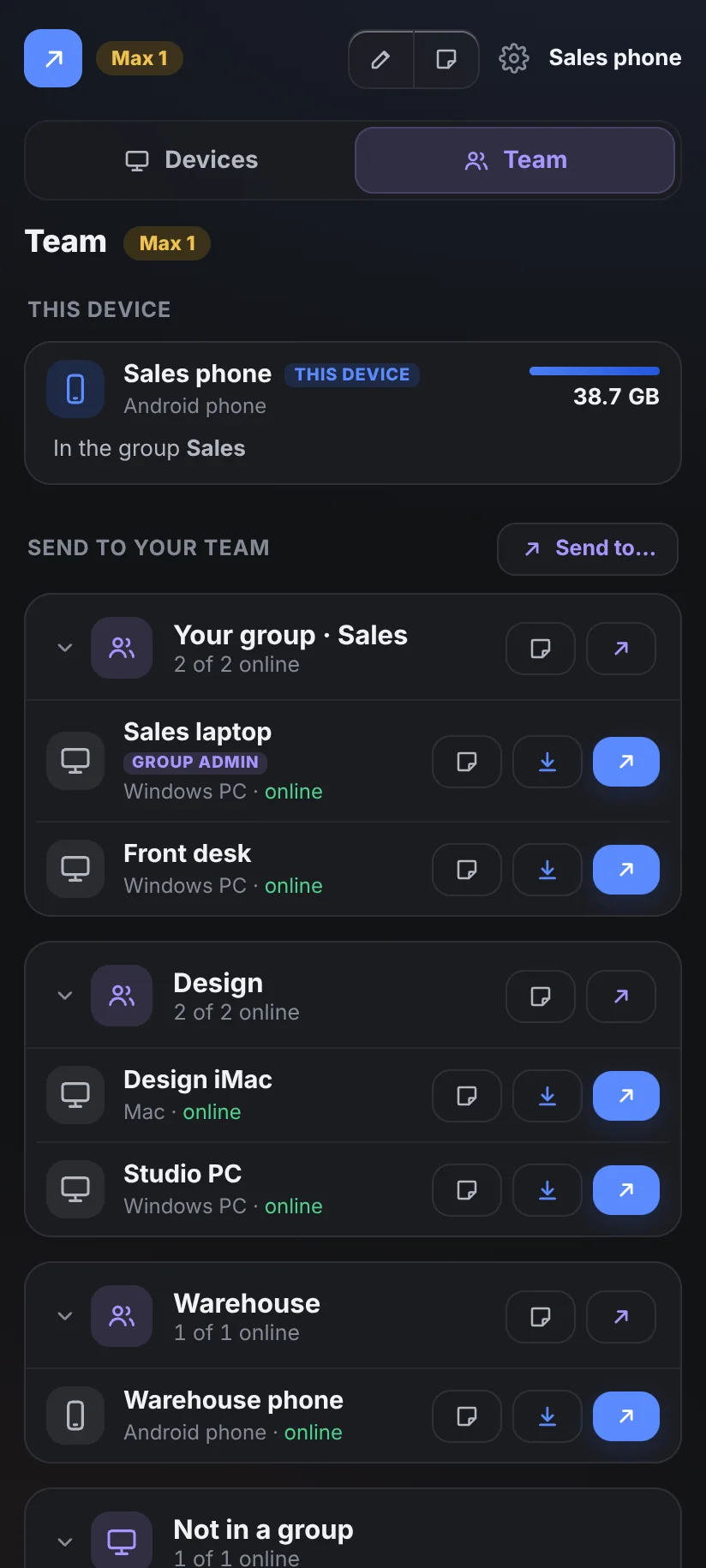
Colleagues send files and notes to each other without pairing. Work lives on its own Team tab, apart from everyone's personal devices.
Everything a team needs.
Colleagues send without pairing
Everyone on the team sends files and notes to each other straight away: to one device, a group or everyone.
A Team tab of its own
Work sits on the Team tab. Everyone's personal devices stay on Devices, so the two never mix.
Groups
Put devices in groups: Sales, Design, the warehouse. Fold a group away when the list gets long.
Group admins
A group admin invites devices into its group and looks after them there.
Monthly caps
Give a device or a whole group a monthly cap for data through the Sendya server.
Team folders
Share a folder with a group or the whole team. Colleagues take what they need.
Reports as CSV
Download what each device and group used, by month. It opens in Excel.
Names, not files
Colleagues see names and who's online. The Owner and admins see how much each device uses. Nobody sees anyone's files.
Two sizes. One pool each.
Every device on the plan shares one monthly pool of data through the Sendya server. On the same network, nothing is ever counted.
Max 1
- 15 devices, one pool for the whole team
- 3 TB a month through the Sendya server, shared
- Team tab: groups, group admins, caps, team folders and reports
Max 2
- 25 devices, one pool for the whole team
- 20 TB a month through the Sendya server, shared
- Team tab: groups, group admins, caps, team folders and reports
Prices include VAT where it applies. You pay on Stripe's secure page, through Link. Cancel any time. By buying, you agree to the terms.
How to start.
- Pick Max 1 or Max 2.Pay on Stripe's secure page. Then you get your plan's recovery code.
- Type the code in Sendya on a computer or on Android from our website, which becomes the Owner.In Sendya: Settings → Plan → Have a recovery code?
- Invite your colleagues.On the Owner, open the Team tab → Invite a device, and send the link. Each device joins straight into its group. No pairing.
Bigger teams: write to us.
More than 25 devices, or something special in mind? Tell us how many people and devices, and we'll set it up with you. From the app: Settings → Help → Contact us, topic Business.
Questions from teams.
Does anyone need an account?
No. Nobody signs up, and Sendya never asks for an email or a phone number. Each device joins with an invite from the Owner or a group admin.
Can people still use Sendya for themselves?
Yes. Their own devices stay on Devices, paired as before. The team never sees them.
What happens when the month's data runs out?
Nothing stops. Transfers through the Sendya server carry on in the slow lane (about 0.5 MB/s) until the 1st of the next month. On the same network everything stays unlimited, on every plan.
Can we move from Max 1 to Max 2?
Yes. On the Owner: Settings → Plan → Change plan. Same plan, same devices, same recovery code. The bigger plan starts at once.
Can we cancel?
Any time, on the Owner. The plan runs to the end of the time you've paid for, then every device goes back to Basic. Files, notes and shared folders stay as they are.