How plans work.
Every feature that matters is free. Plans add data on the Sendya server — the part that reaches your devices when they're on different networks — and Max adds team features. Here's how data, devices and your plan fit together, with real examples.
Only what goes through the server.
Your devices connect in one of two ways. Sendya picks the right one by itself.
On the same network
Same Wi‑Fi or cable, at home or at work: your devices talk directly. As fast as your network allows.
Free and unlimited · never countsOn different networks
The Sendya server passes everything along, encrypted end to end — it can't read it, and keeps none of it.
Counts toward the monthWhat counts is the size of the files, folders and notes that travel through the server. Pairing, seeing your devices online, and anything on the same network never count. Each month starts fresh on the 1st (at midnight UTC), and there's no file size limit.
Free, with room to grow.
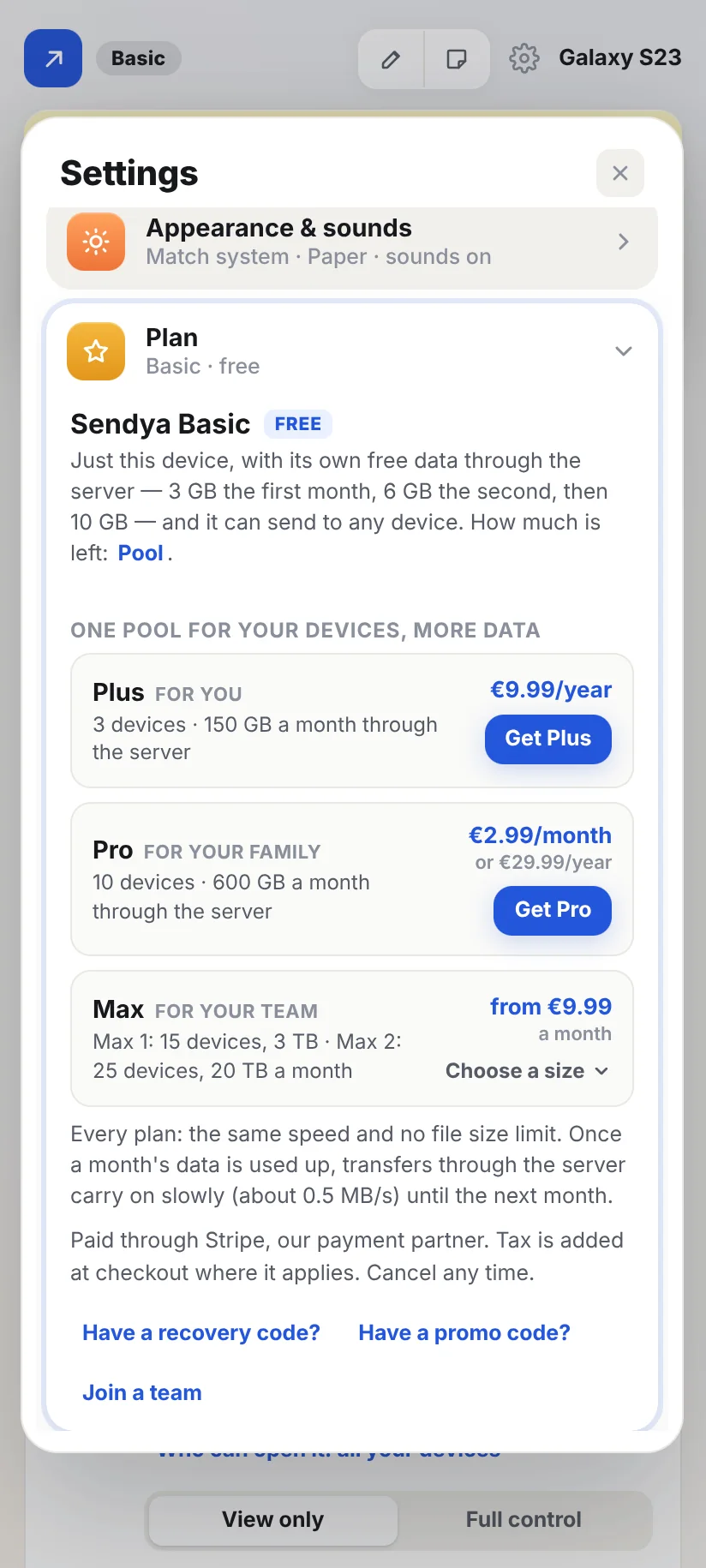
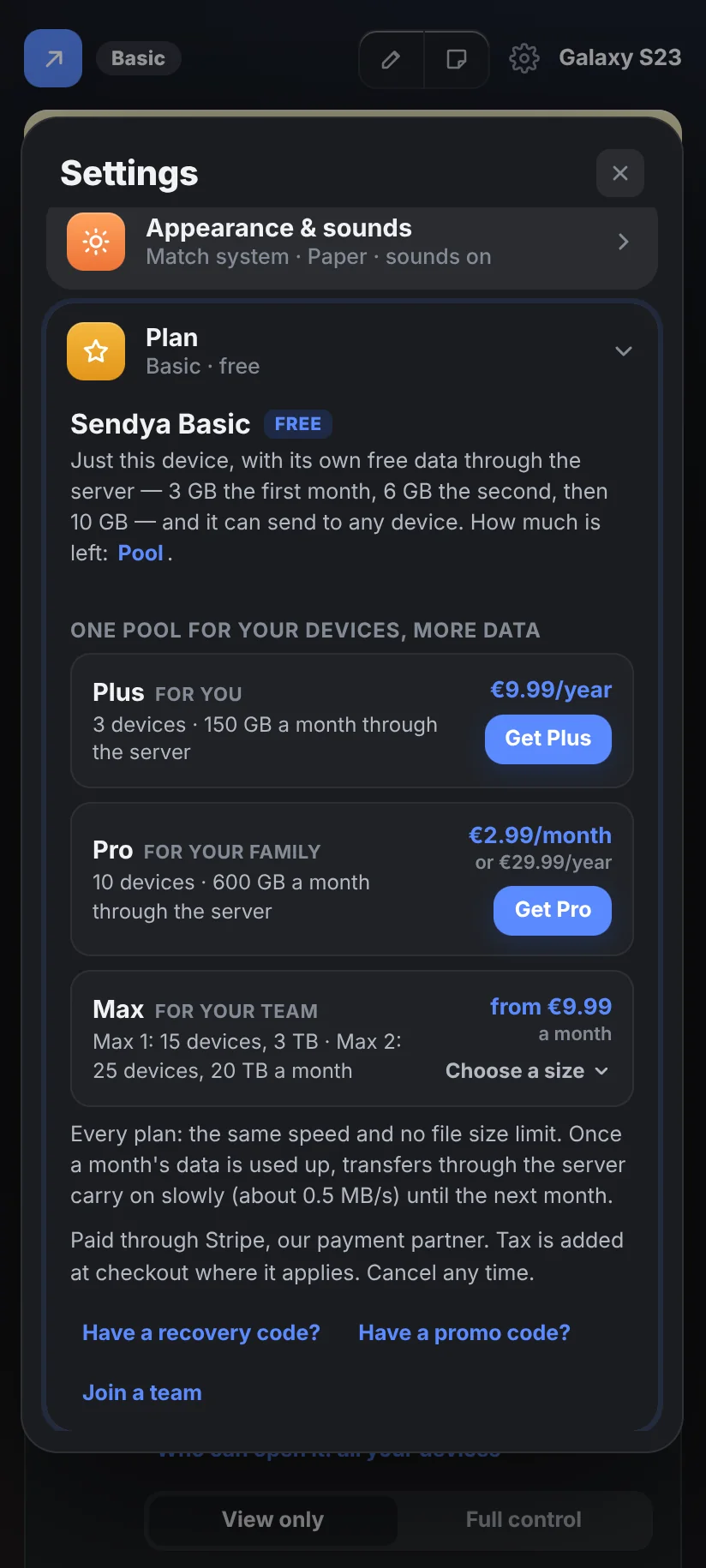
Every device starts on Basic. It's free for good, with every feature that matters. Through the server, each device gets its own monthly data:
- 3 GB in its first month, 6 GB in its second, then 10 GB every month.
- It sends to and receives from any device — yours or anyone else's, as many as you like.
- Each device pays from its own pool: send 1 GB from your phone to your laptop through the server, both on Basic, and each one has used 1 GB of its month.
One pool for all your devices.
A plan is a pool: you link up to a set number of devices to it, and they share one monthly amount of data. No device has its own slice: whichever device sends or receives, it comes out of the same pool. Each of them can reach any device.
- Plus: 3 devices and 150 GB a month.
- Pro: 10 devices and 600 GB a month.
- Max 1: 15 devices and 3 TB a month — for teams.
- Max 2: 25 devices and 20 TB a month.
- Max 3: coming soon.
A transfer between two devices on the same plan counts once.
Sending to a friend? Every device pays from its own pool: your side comes out of your plan, theirs out of their plan — or their own free allowance on Basic. With a device on a plan, a transfer only goes in the slow lane when both sides have used up their data — a friend whose free data is gone still gets full speed with you. Between two devices on Basic, it slows once either one's is used up. It never stops.
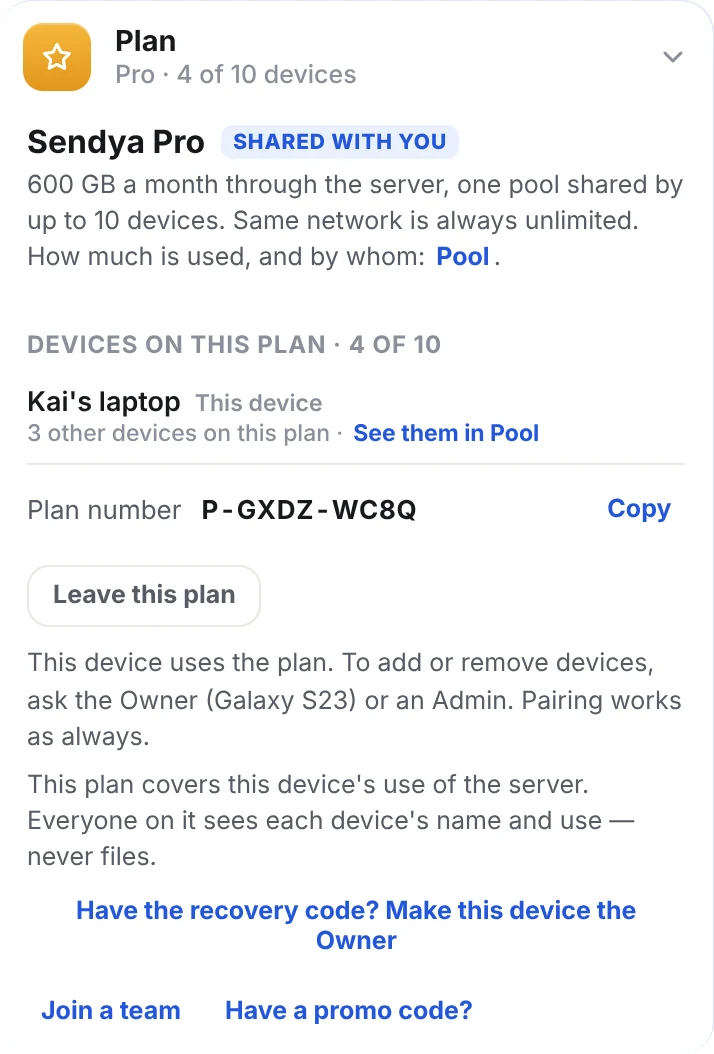
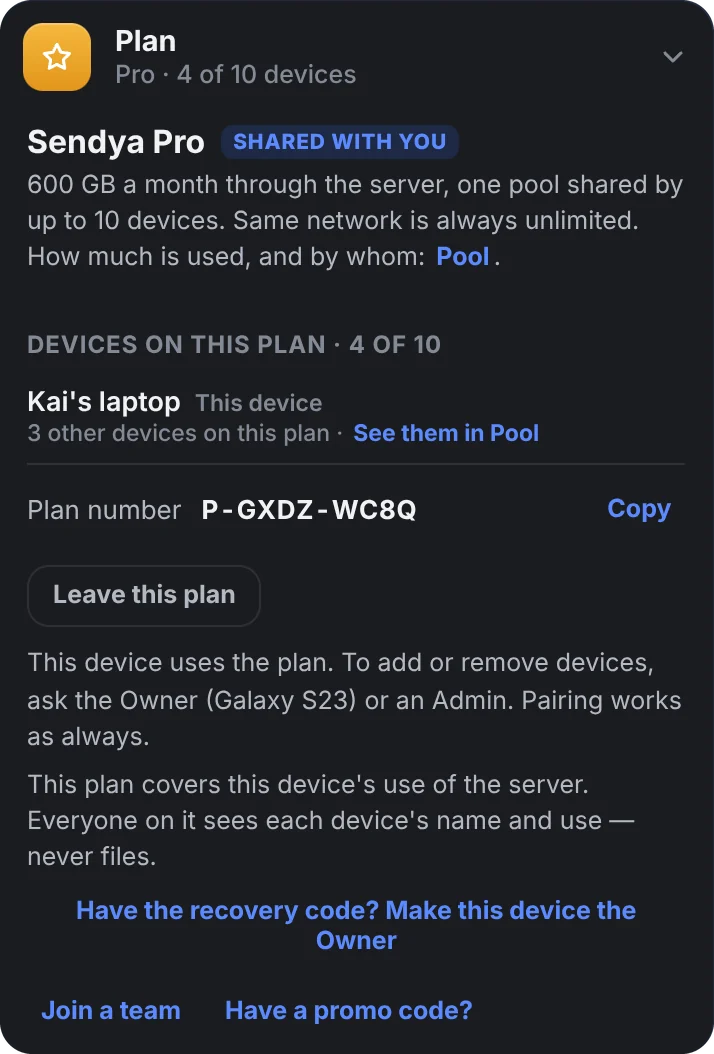
Everyone on the plan sees this in the app — Settings → Pool: each device's name and how much it used, never its files.
No account. Your devices hold it.
Sendya has no accounts — no email, no password. Your plan lives on the Sendya server under a plan number, and it's linked to your devices' own keys. That's why it can never be signed into by someone else: only the devices on it, and whoever has your recovery code, can use it.
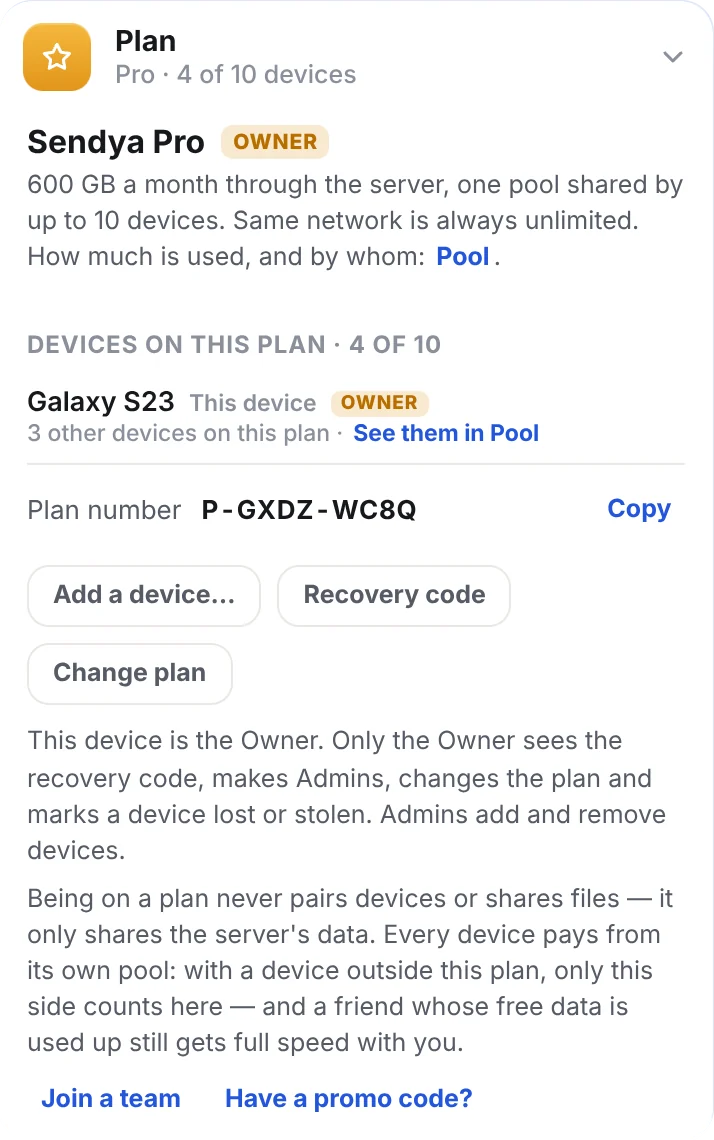
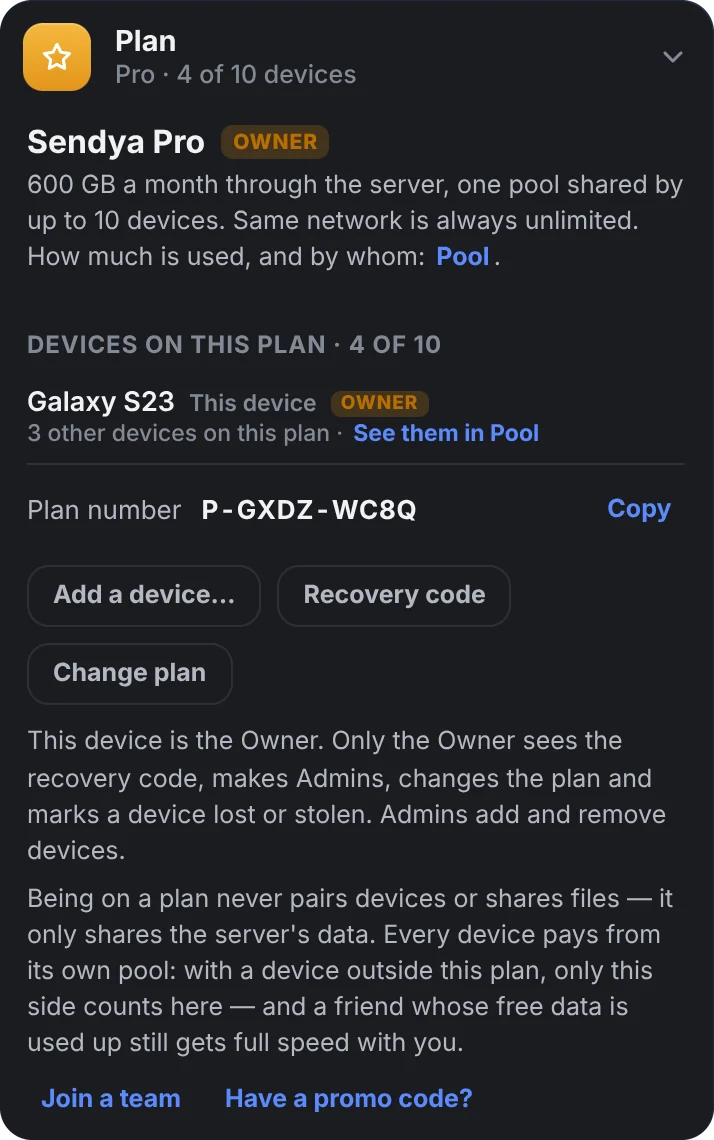
The Owner
The device that bought the plan — one per plan. It does everything:
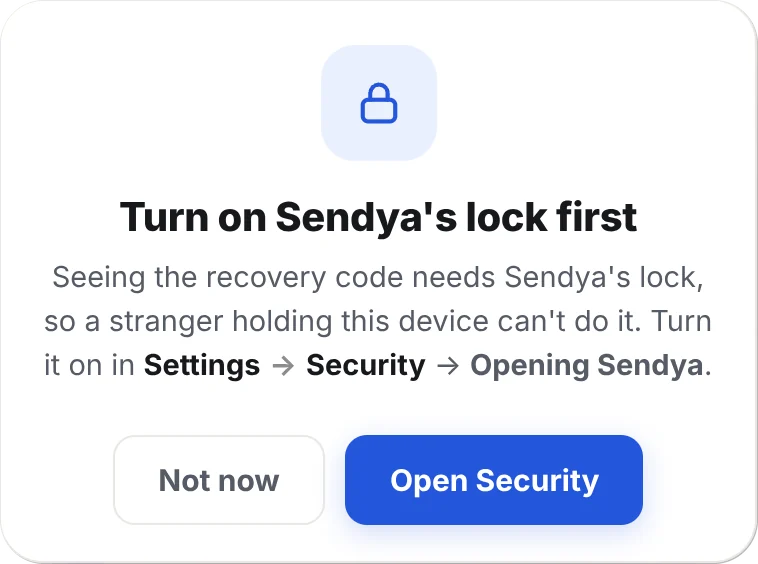
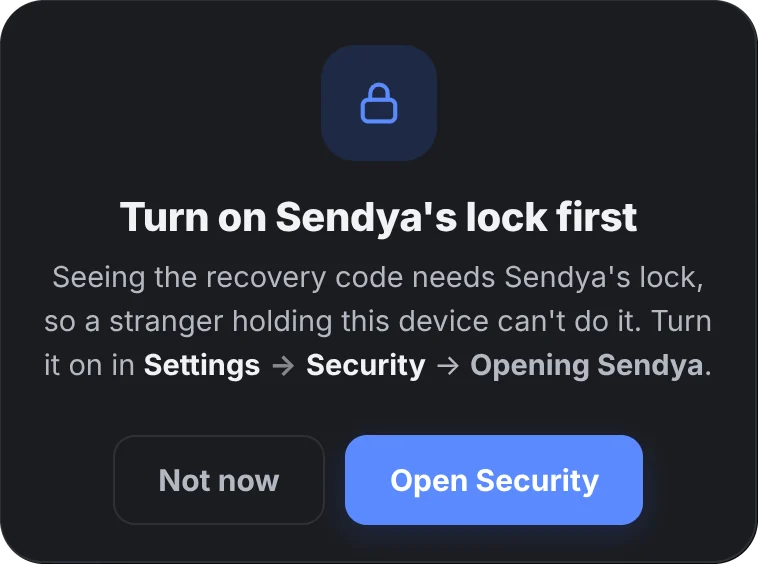
- sees the recovery code
- makes and removes Admins
- changes or cancels the plan
- marks a device lost or stolen
Admins
Devices the Owner trusts to help: they add devices to the plan and remove them. They never see the recovery code, and can't touch the Owner or other Admins, change the plan or wipe a device.
Making one takes the Owner's lock and the recovery code, and Sendya's lock must be on there too.
Every other device
Yours or a friend's: it uses the plan's data, sees the Pool and can leave at any time. It can still pair new devices — it just can't add them to the plan. A friend's device never sees which devices are yours.
Being on a plan never pairs devices or shares files. It only decides who pays for using the server. A friend on your plan can't see your files, your folders or your notes — exactly as before.
A device can be on one plan at a time. To join another, it leaves the first one in Settings → Plan.
The Owner can't leave the plan while other devices are on it, so a plan always has someone to look after it. When an Admin is made or removed, or the recovery code is used, the Owner and the Admins get a security alert — in red at the top of Activity, with Act now and what to do, step by step.
Pair it, then add it.
- Install Sendya on the new device and pair it with one of yours — with the QR code, or the code on the screen.
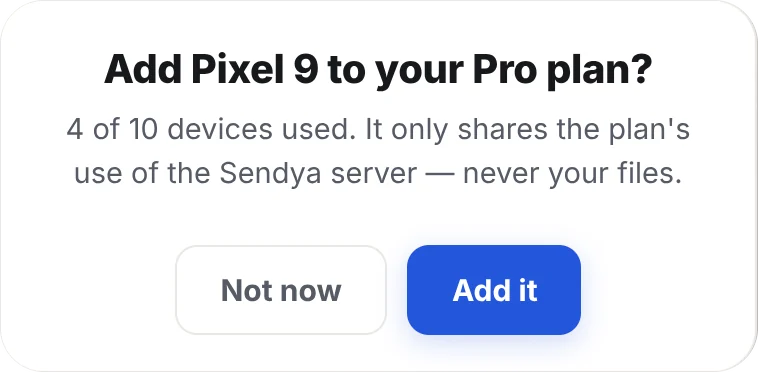
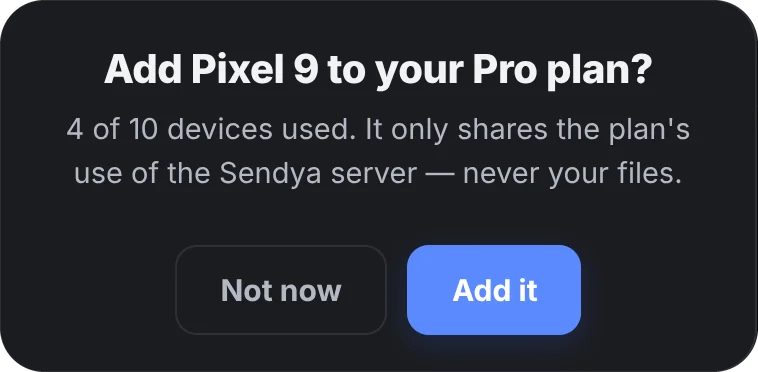
- Choose “It's one of my devices”. On the Owner or an Admin, Sendya asks: Add it to your plan?
- Press Add it. Done — it shares the plan's data from now on.
Said “Not now”? Add it any time later from the Owner or an Admin: Settings → Plan → Add a device…, then pick it from your paired devices. A friend's device is added the same way, and joins as “Shared with you”.
Plan full? Remove a device first (Settings → Pool → Remove), or move to a bigger plan. A device you remove goes back to Basic and stays paired with your devices.
New phone? Bring your plan along.
A new device, or Sendya installed again, gets a brand-new key — to the server it's a new device. So the plan follows you in one of two ways:
You still have one of your devices
- Install Sendya on the new phone and pair it with one of your devices.
- Choose “It's one of my devices”, then Add it to your plan (from the Owner or an Admin).
- From the Owner or an Admin: Settings → Pool → ⋯ → Remove the old phone.
On Plus, with all 3 places taken, remove the old phone first, then add the new one. Was the old phone the Owner? Use the recovery code on the new one instead (right).
You've lost the Owner — or every device
- Install Sendya on the new device.
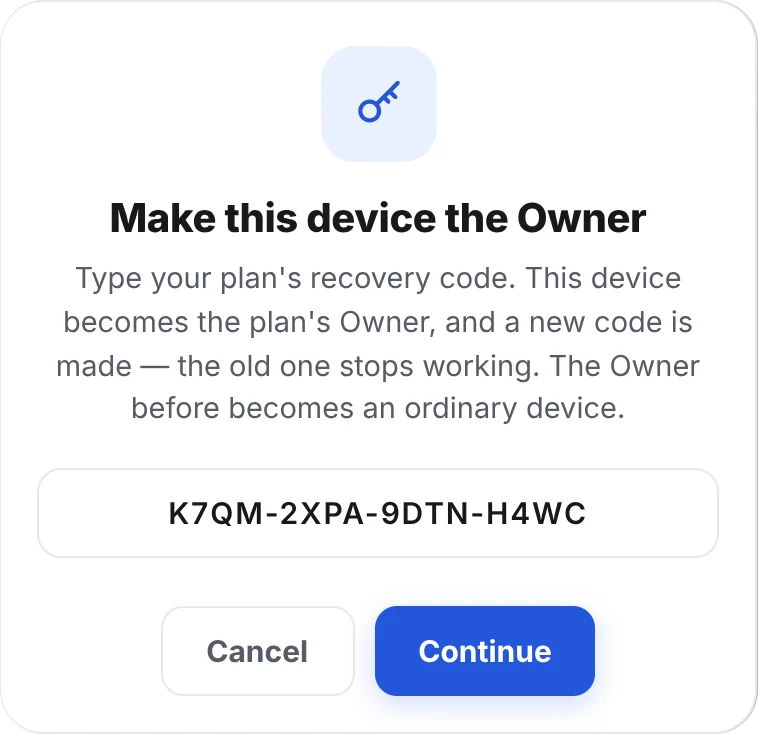
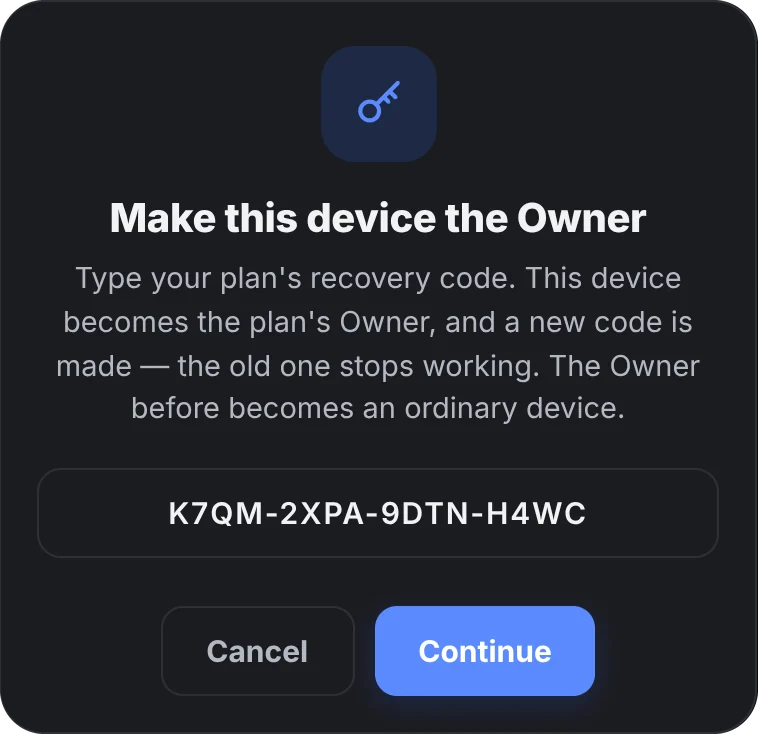
- Go to Settings → Plan → Have a recovery code? and type your code. The new device becomes the Owner, and a new code is made — the old one stops working. If the plan is full, choose the device it replaces.
- Sendya asks whether the old Owner was lost or stolen. If so, mark it: it comes off the plan and your devices forget it.
A device lost or stolen
On the Owner: Settings → Pool → ⋯ → Lost or stolen… (it asks for your lock). The device comes off the plan, every device on the plan forgets it, and — if it's one of yours — it can't use the Sendya server any more. If it allowed it beforehand (Settings → Security → Let my plan's Owner wipe this device, off unless you turn it on), you can also wipe Sendya on it: the next time it connects, its pairings, notes, settings and every file Sendya received there are deleted. Nothing else on it is touched. Found it again? Found it undoes the mark.
A page for your team.
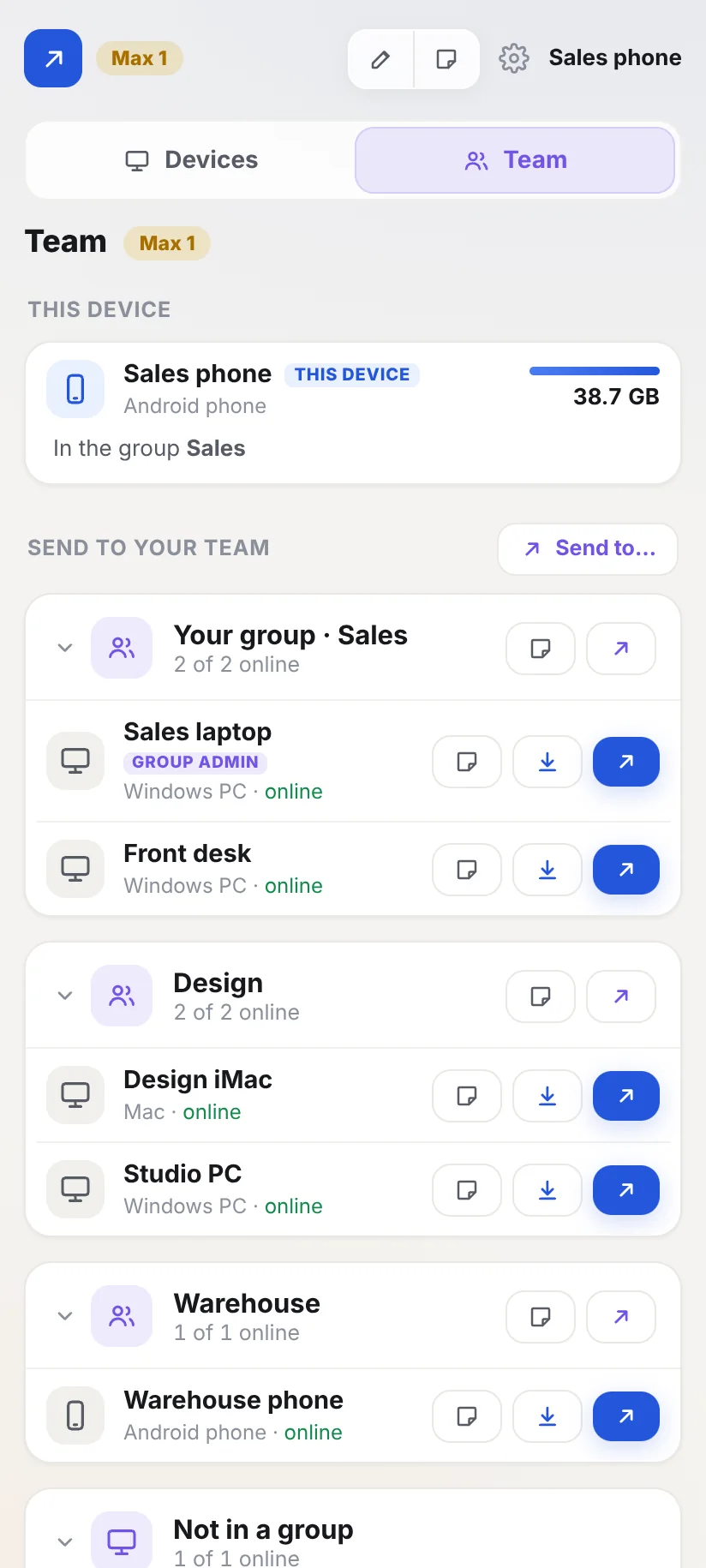
On Max, Sendya adds a Team tab next to Devices. The team's devices join with an invite — no pairing — and each one sits in a group: Sales, Design, the warehouse. Your own paired devices stay on Devices, so work and personal never mix.
- Sending: colleagues send files and notes to each other from the Team tab, without pairing — to one device, a whole group or everyone at once. The Owner chooses who sends to whom: everyone, within each group, or off. Files from colleagues go to a folder of their own, Received files › Teams (each device can choose another), and their notes carry the Team label.
- Team folders: a device can share a folder with its group, the whole team or some devices. Colleagues open it with Import and take what they need.
- Group admins: the Owner can make a device a group admin. It invites devices into its groups and looks after them there — names, caps, pause, remove, reports. It can't touch the Owner or other admins. The Owner can still make an Admin of the whole team.
- Who sees what: the Owner and Admins see every device and what it used. A group admin sees its own groups. Everyone else sees colleagues' names and whether they're online — never what they send or how much they use.
- Caps and reports: give a device or a group a monthly cap. Download report makes a file for Excel, by month, group or device.
- Invites: a short code joins a device straight into its group. Invites end by themselves, and you can stop one any time.
Nothing else changes.
- Bigger or smaller: on the Owner, Settings → Plan → Change plan. Same plan number, same devices, same recovery code. A bigger plan starts at once (you pay the difference for the rest of the period). A smaller one starts on your renewal date, and has to fit your devices — remove some first if needed.
- Cancelling: the Owner cancels where the plan was bought: Manage payment (Link), Google Play or the App Store. The plan runs to the end of the time you've paid for.
- When a plan ends, every device on it goes back to Basic. Pairings, files, notes and shared folders all stay exactly as they are.
Quick answers.
Does a plan make Sendya faster?
No — every plan, Basic included, has the same speed. Through the server, speed depends on the two internet connections (usually the sender's upload). On the same network it's as fast as your Wi‑Fi or cable. Plans add data, shared by several devices.
What happens if we use up the plan's data?
Transfers through the server go on in the slow lane (about 0.5 MB/s) until the 1st of the next month, for every device on the plan. Nothing is blocked, nothing extra is charged, and the same network keeps full speed.
Can I see how much data is left — and who used it?
Yes: Settings → Plan, on every device on the plan — the meter is the plan's, the same number on all of them. With two or more devices, Settings → Pool shows each device's name and how much it used this month (never its files).
Will a friend whose free data is used up slow me down?
No. With a plan on either side, a transfer only goes in the slow lane when both devices have used up their data. Their side keeps counting on their own allowance, yours on your plan — nothing extra comes off your plan. Between two devices on Basic, it slows once either one's data is used up.
Who can I send to?
Anyone, on Basic and on every plan: any device, yours or someone else's, as many as you like. Each device pays from its own pool — what you send or receive comes out of your plan (or your own free 10 GB on Basic), and the other side's out of theirs.
The plan is full — what now?
Plus holds 3 devices, Pro 10. When every place is taken, the app says so in Settings → Plan. Remove a device you don't use in Settings → Pool, or move to a bigger plan.
Can my partner, my kids or a friend use my plan?
Yes. Pair with their device, then add it from the Owner or an Admin: Settings → Plan → Add a device… Your family's devices can join as your devices; a friend's device joins as “Shared with you”, can leave whenever it likes, and you can remove it at any time. Want someone else to help look after the plan? The Owner can make their device an Admin. Nobody on your plan can see your files.
Is my plan tied to my email or phone number?
No. Sendya never asks for them. The plan is linked to your devices' keys and to its recovery code. Payments are handled by the payment provider or app store you used, under their own terms.
The device that bought the plan broke. Is the plan gone?
No. Type the recovery code on another device — one on the plan, or a new one: it becomes the plan's Owner. If the plan is full, it takes the broken device's place.
A device was lost or stolen. What do I do?
On a device it trusts — or on the plan's Owner, in Settings → Pool — press ⋯ next to it, then Lost or stolen… Tick "Also wipe Sendya on it" if you can. It comes off your plan, your devices forget it, and it can't use the Sendya server. When it goes online, Sendya on it is wiped. Every step: Keep your devices safe.
I lost my recovery code. Now what?
Still have the Owner device? Settings → Plan → Recovery code → Make a new code. Lost the Owner device too? Write to us with your plan number (it's in Settings → Plan on your other devices). We check the plan is yours and help you.
An Admin turned its lock off. Is that a problem?
It stops being an Admin by itself, and you get a security alert. Make it an Admin again once its lock is back on.
Do transfers on the same network count, even on a plan?
Never. On the same network everything is free and unlimited, on Basic and on every plan.
Can a device be on two plans?
No, one plan at a time. To move it to another plan, it leaves the first one in Settings → Plan.