Send anythingphotoswhole foldersvideosnotesdocuments
to any device.
Between your phone and your computers — nearby over Wi‑Fi, or anywhere through the Sendya server. Like AirDrop, for everything else. No account. No size limit.
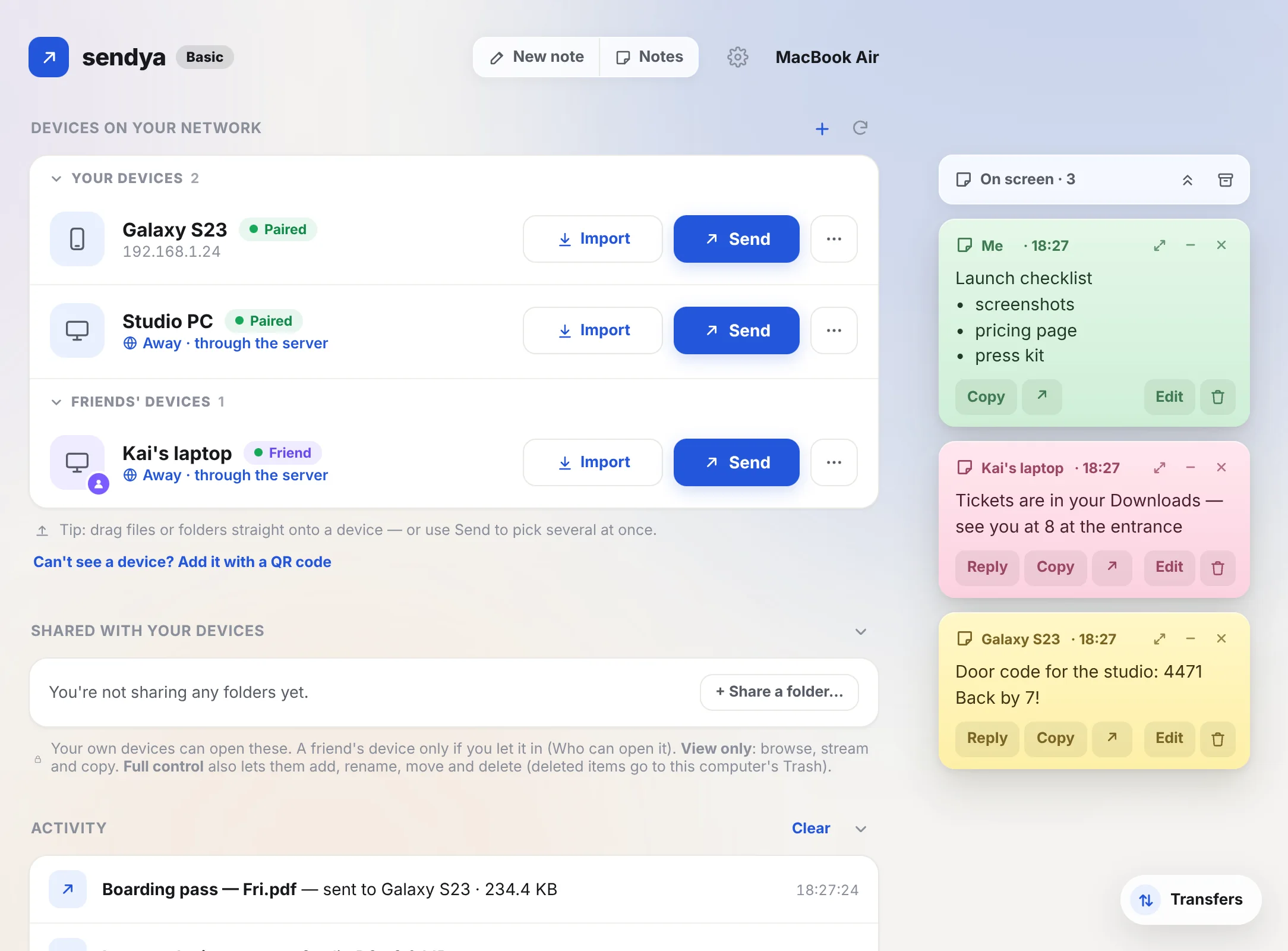
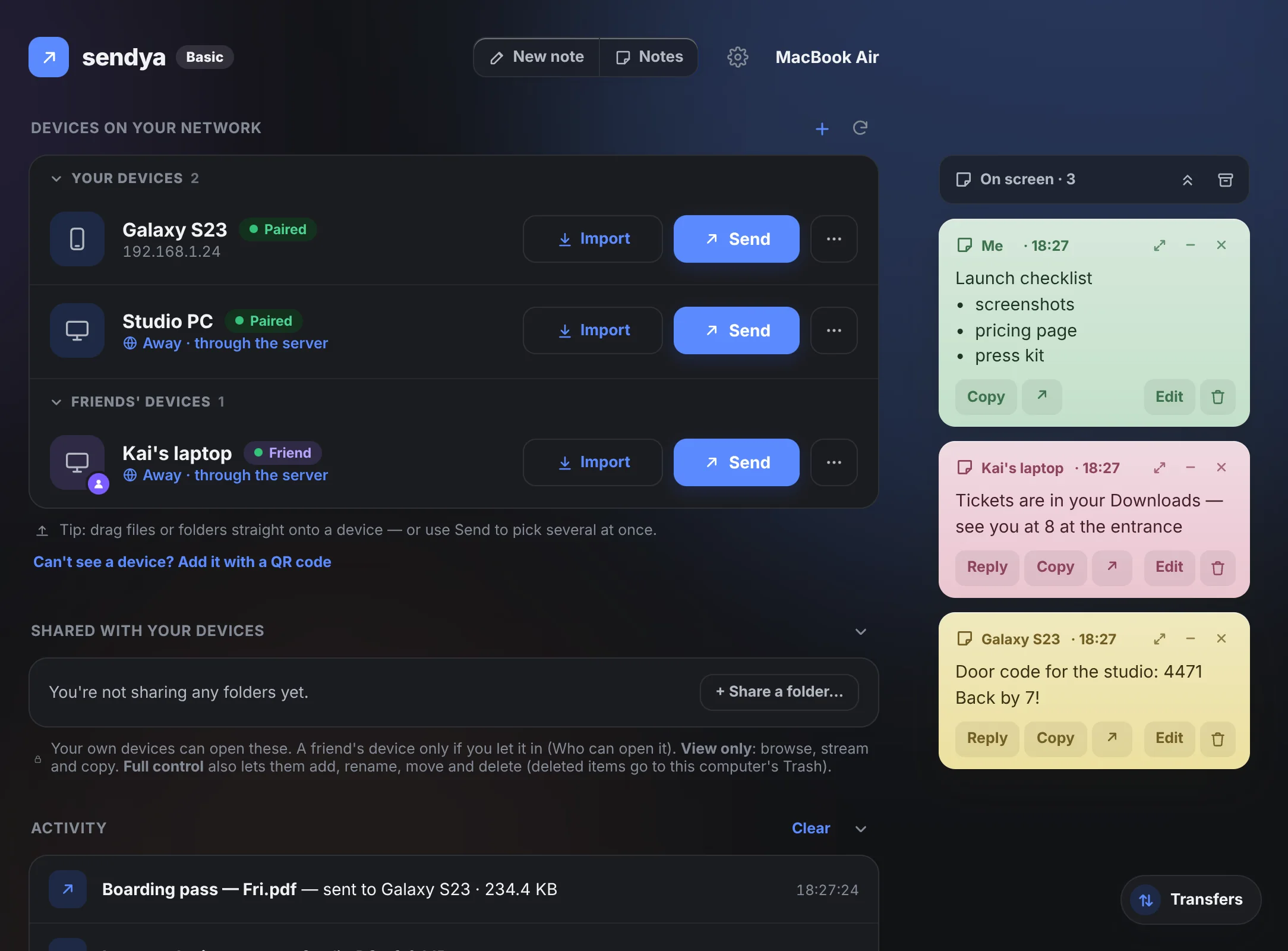
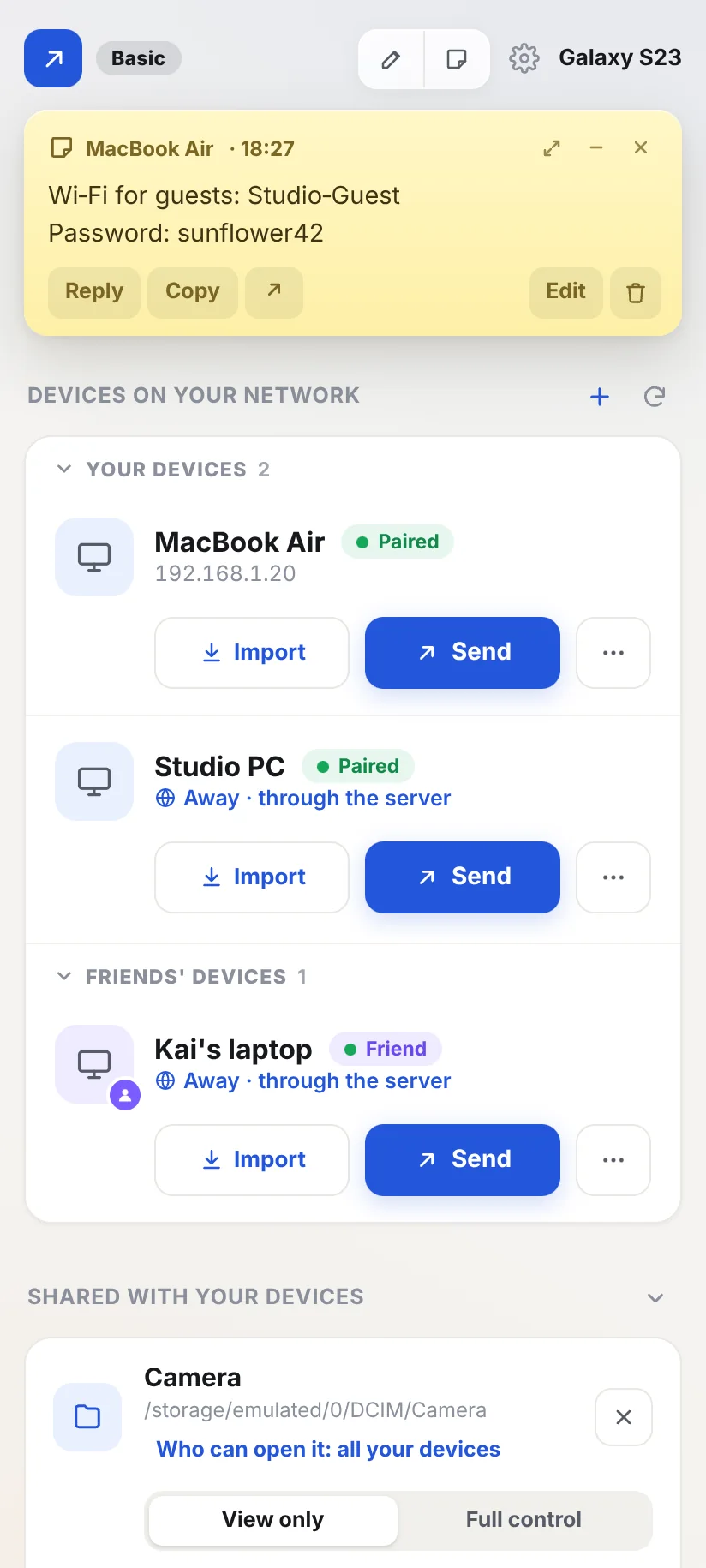
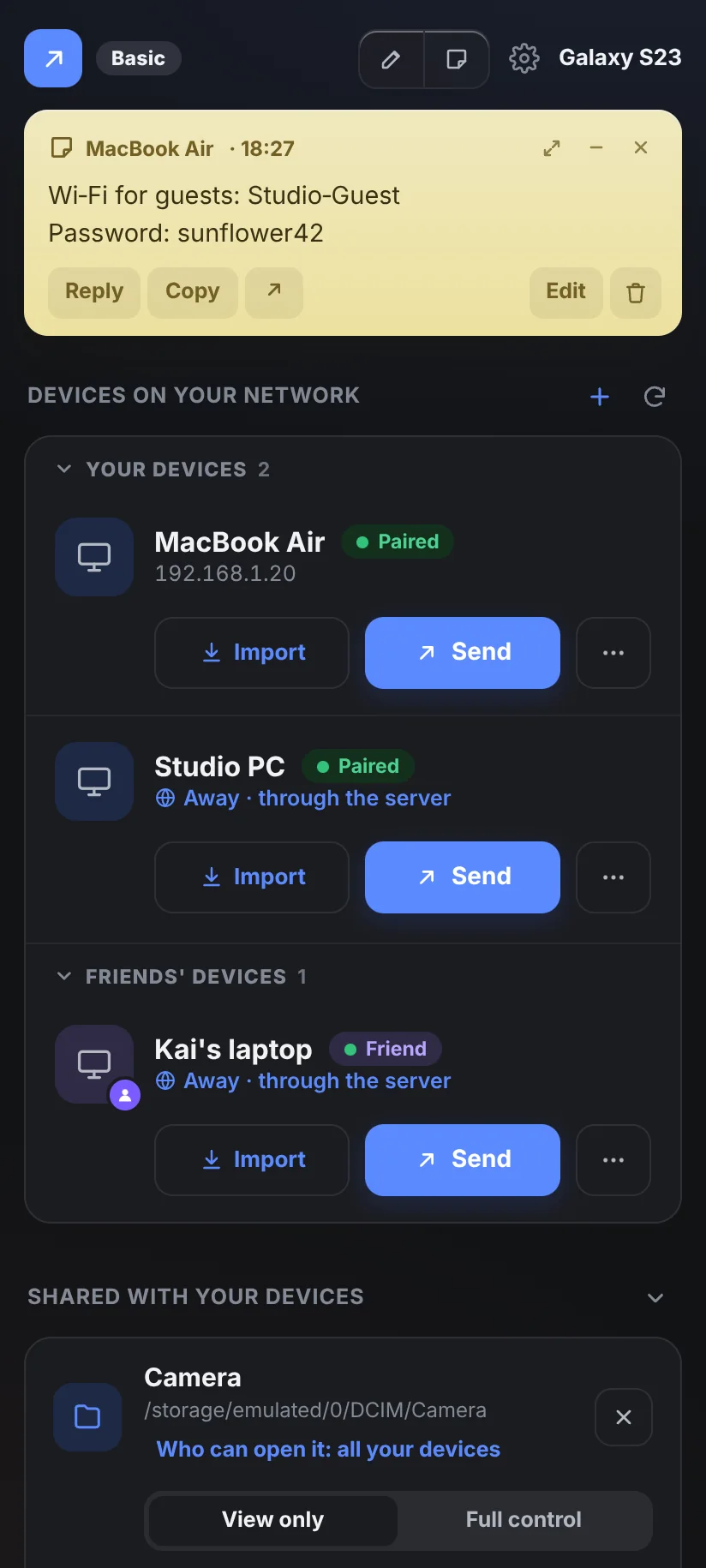
Two ways to send. One app.
Sendya picks the fastest route by itself. You just choose the device.
Straight across your Wi‑Fi or cable.
Open Sendya on both devices and they find each other. Files go directly from one to the other, and nothing leaves your network.
Everything you'd expect.
And a few things you wouldn't.
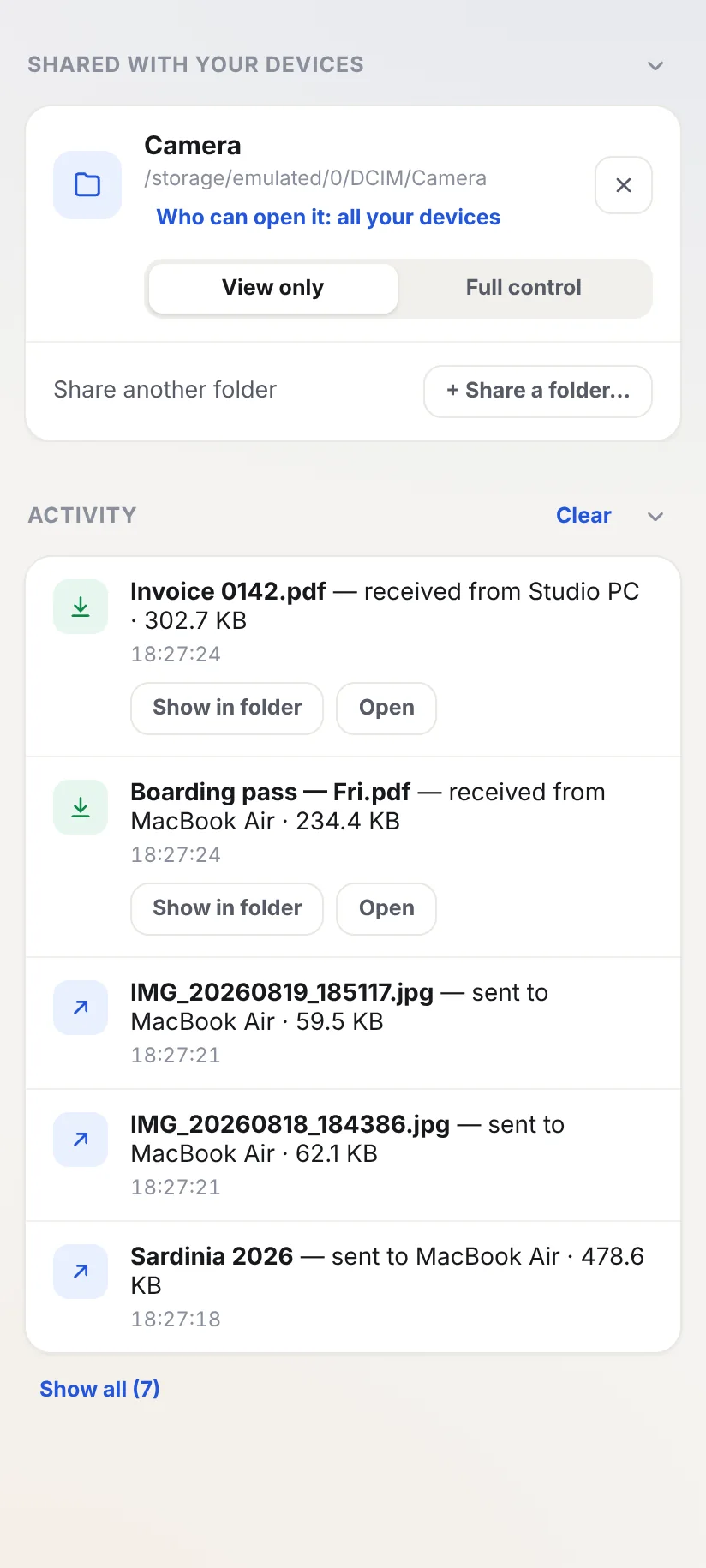
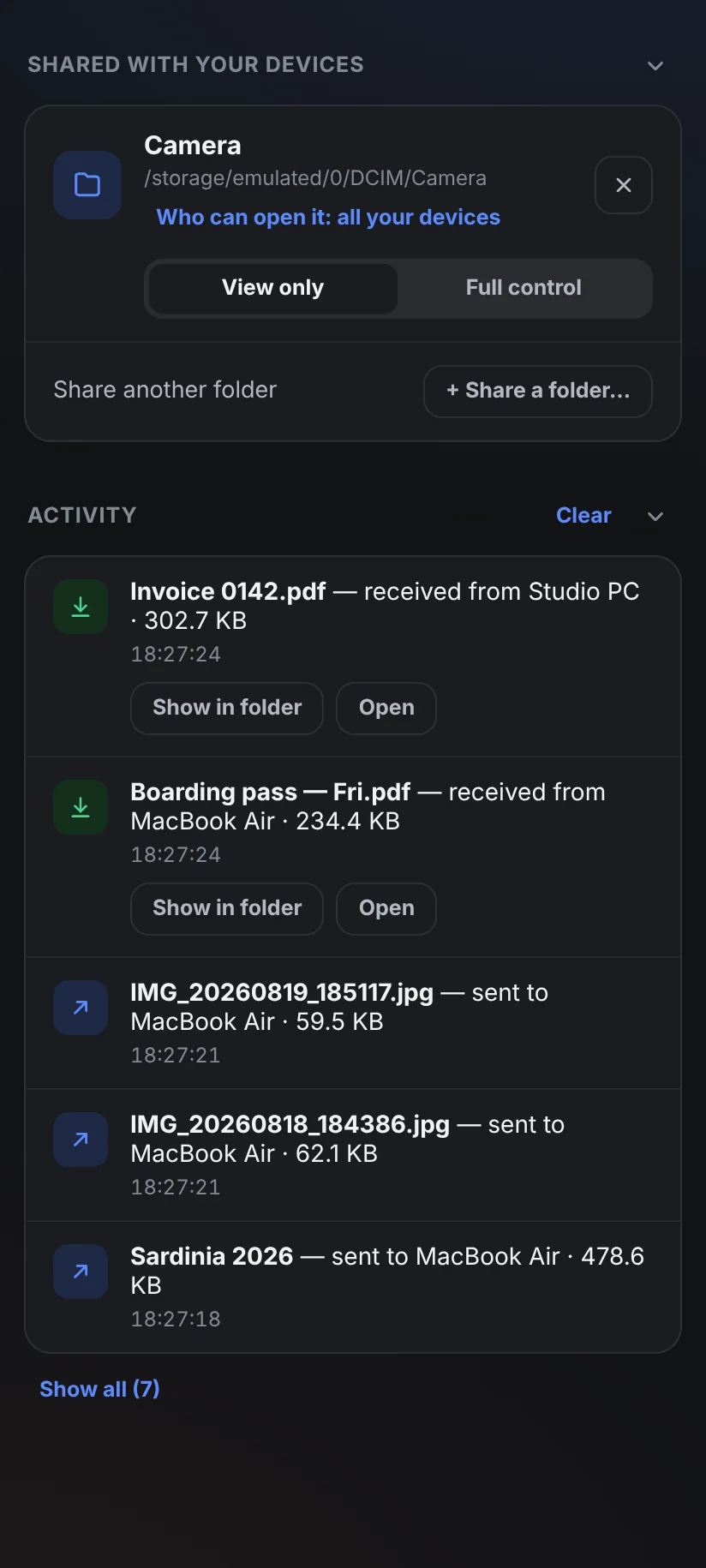
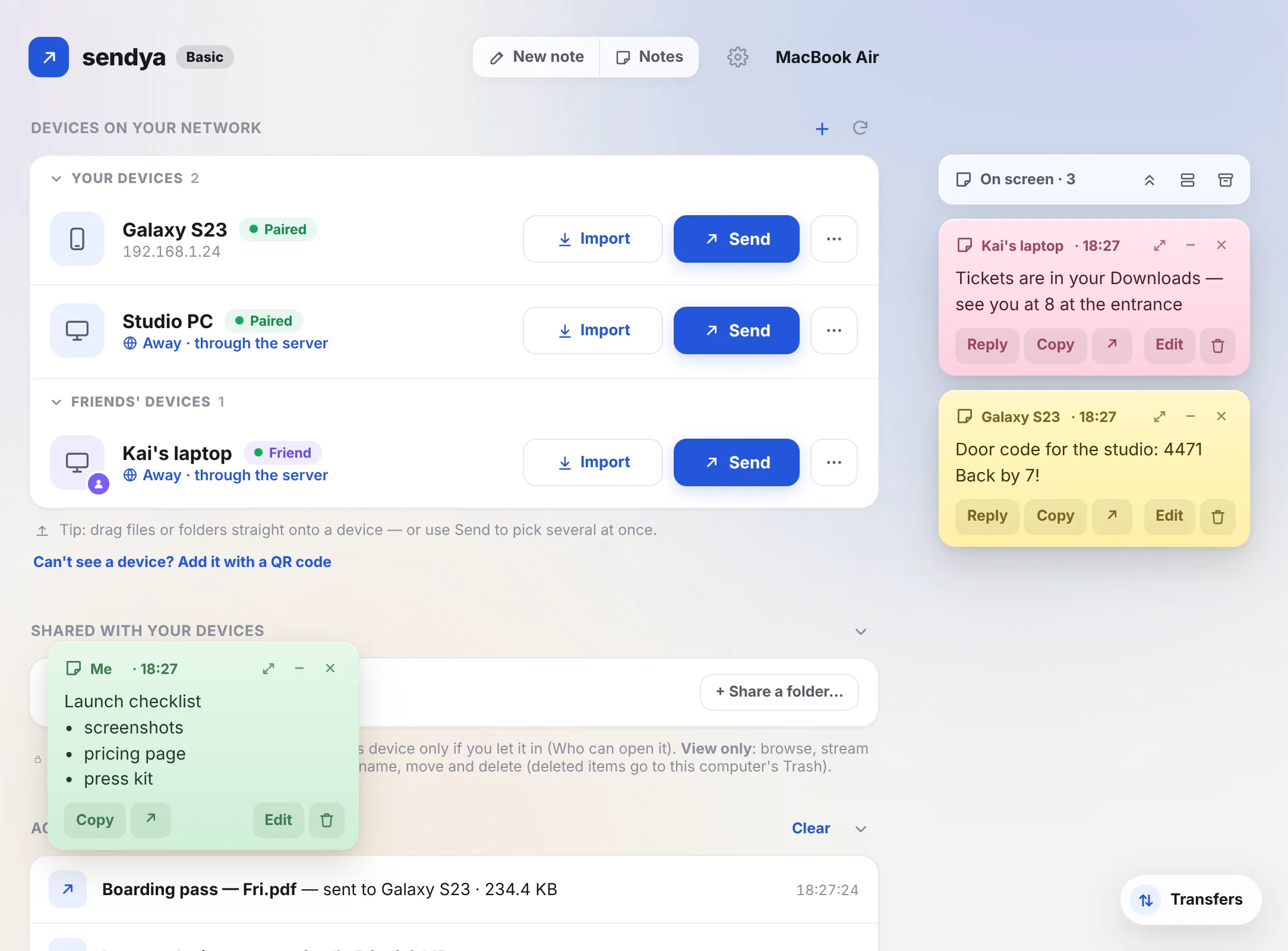
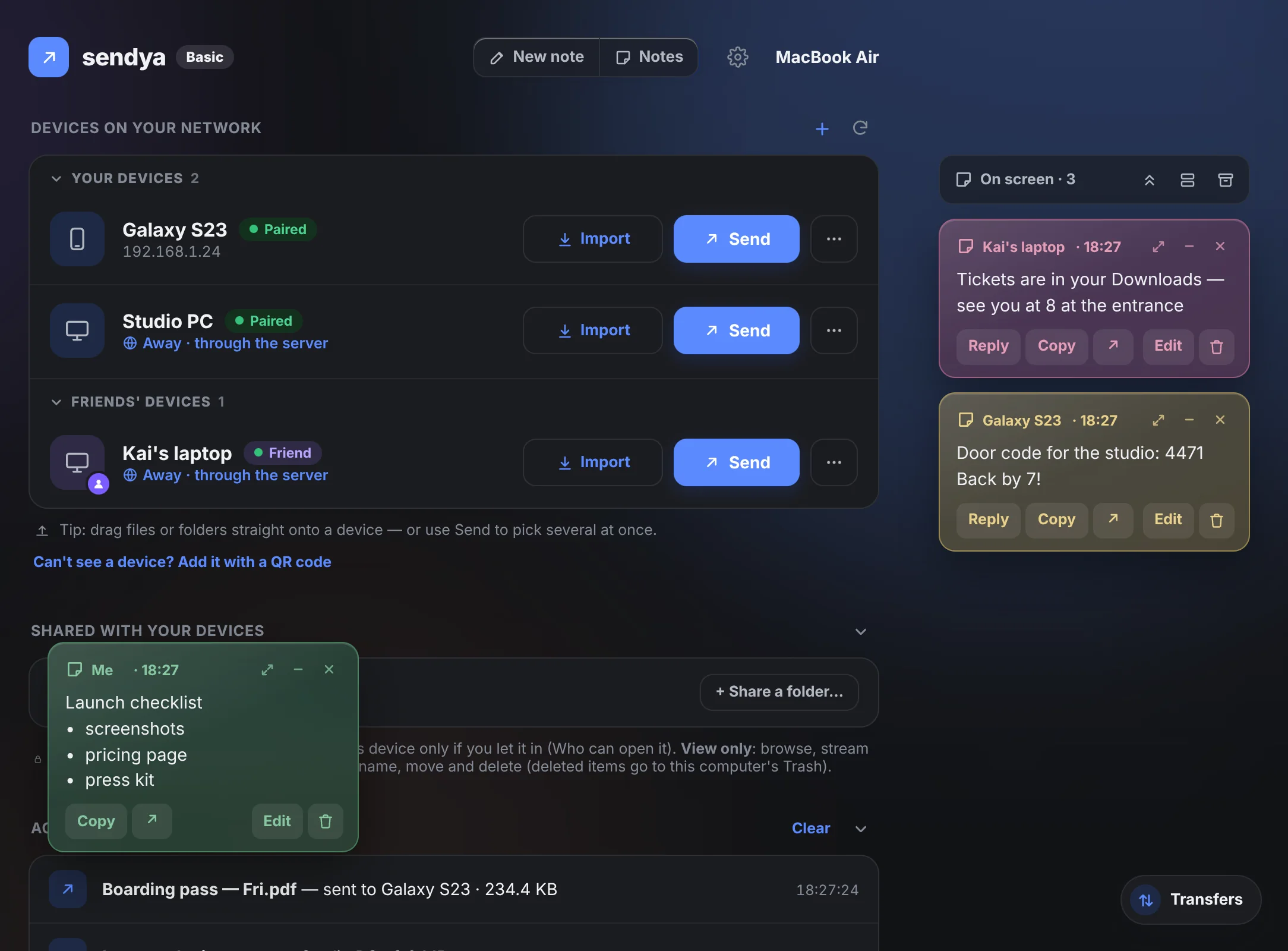
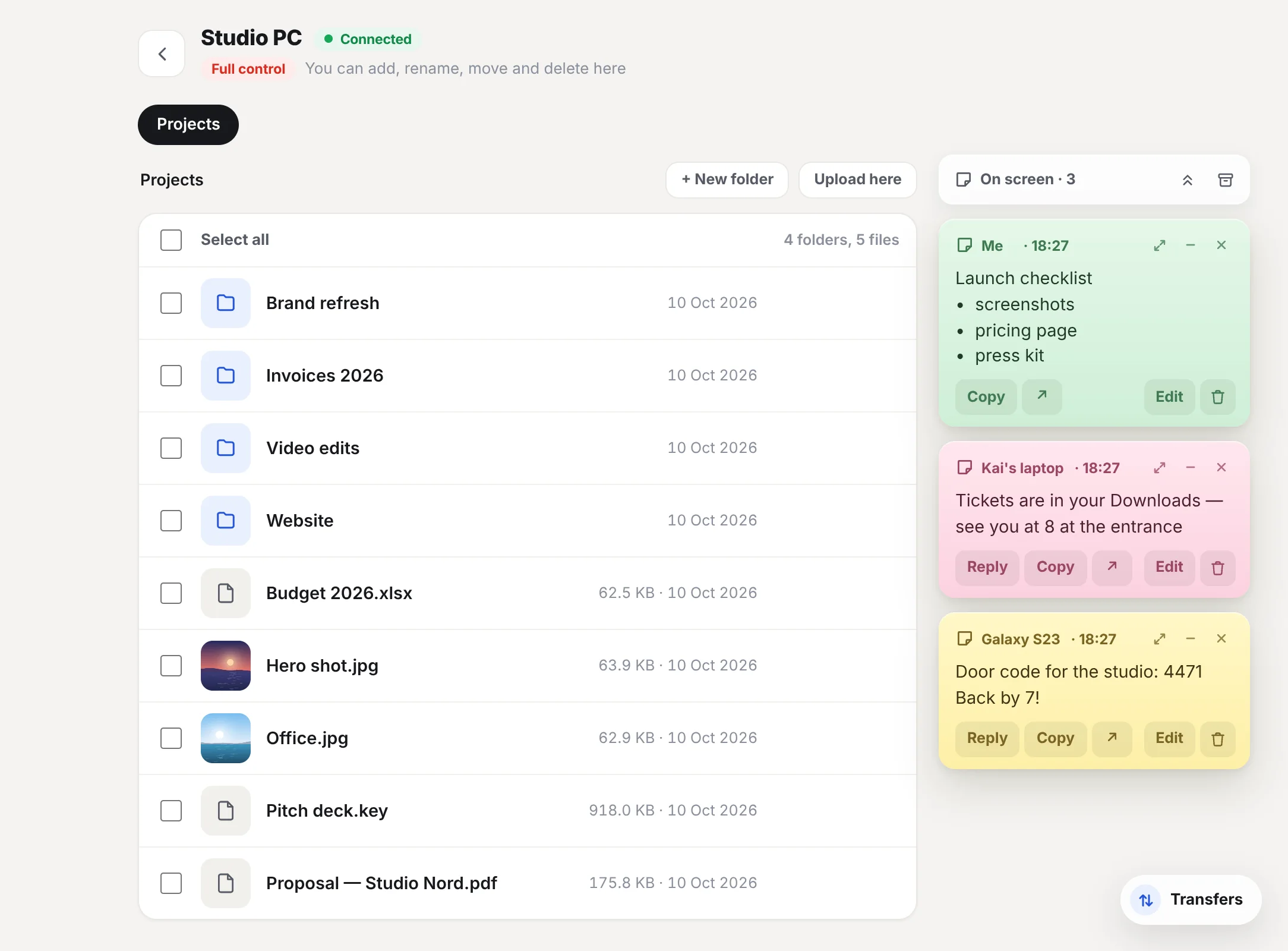
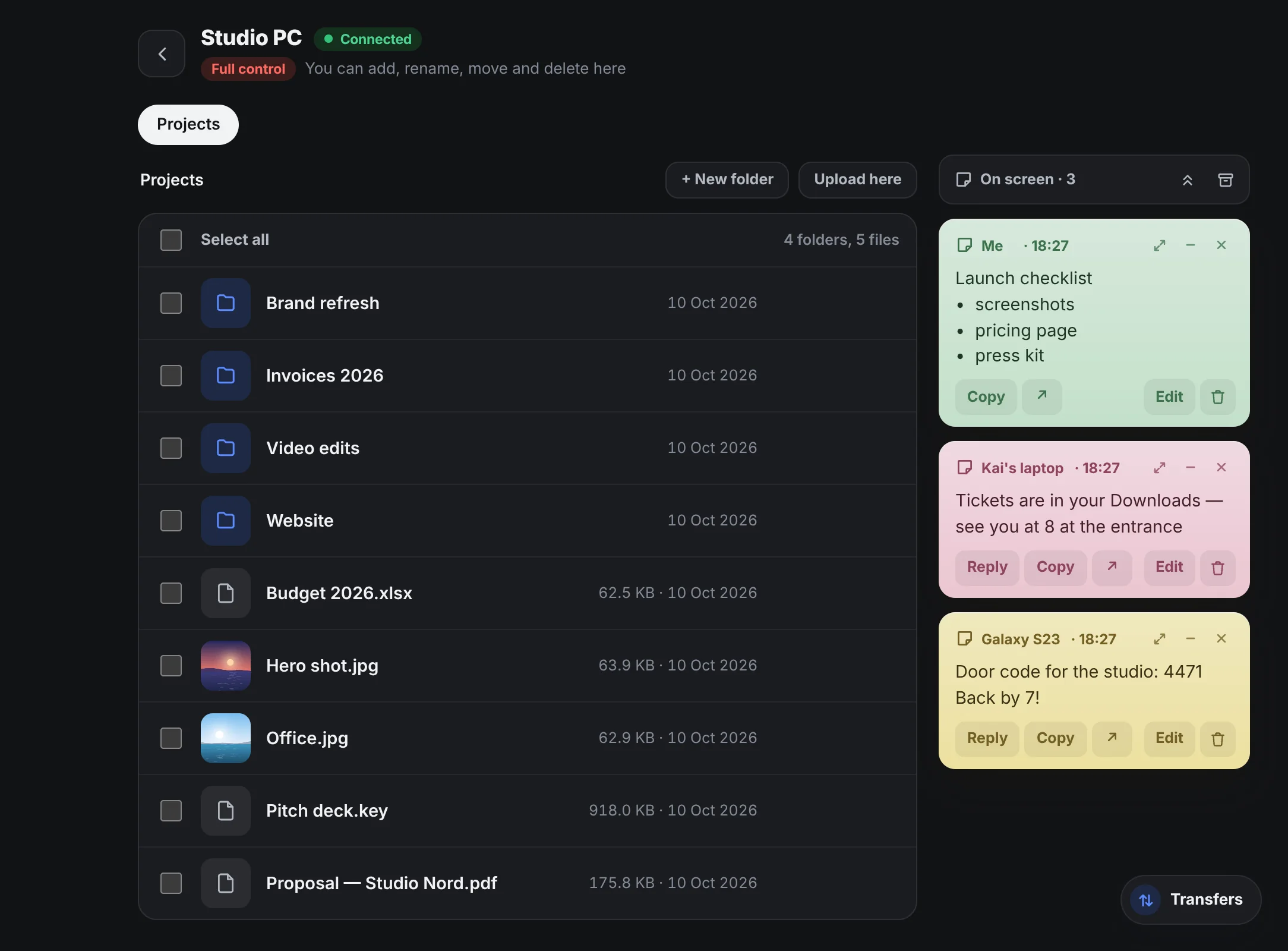
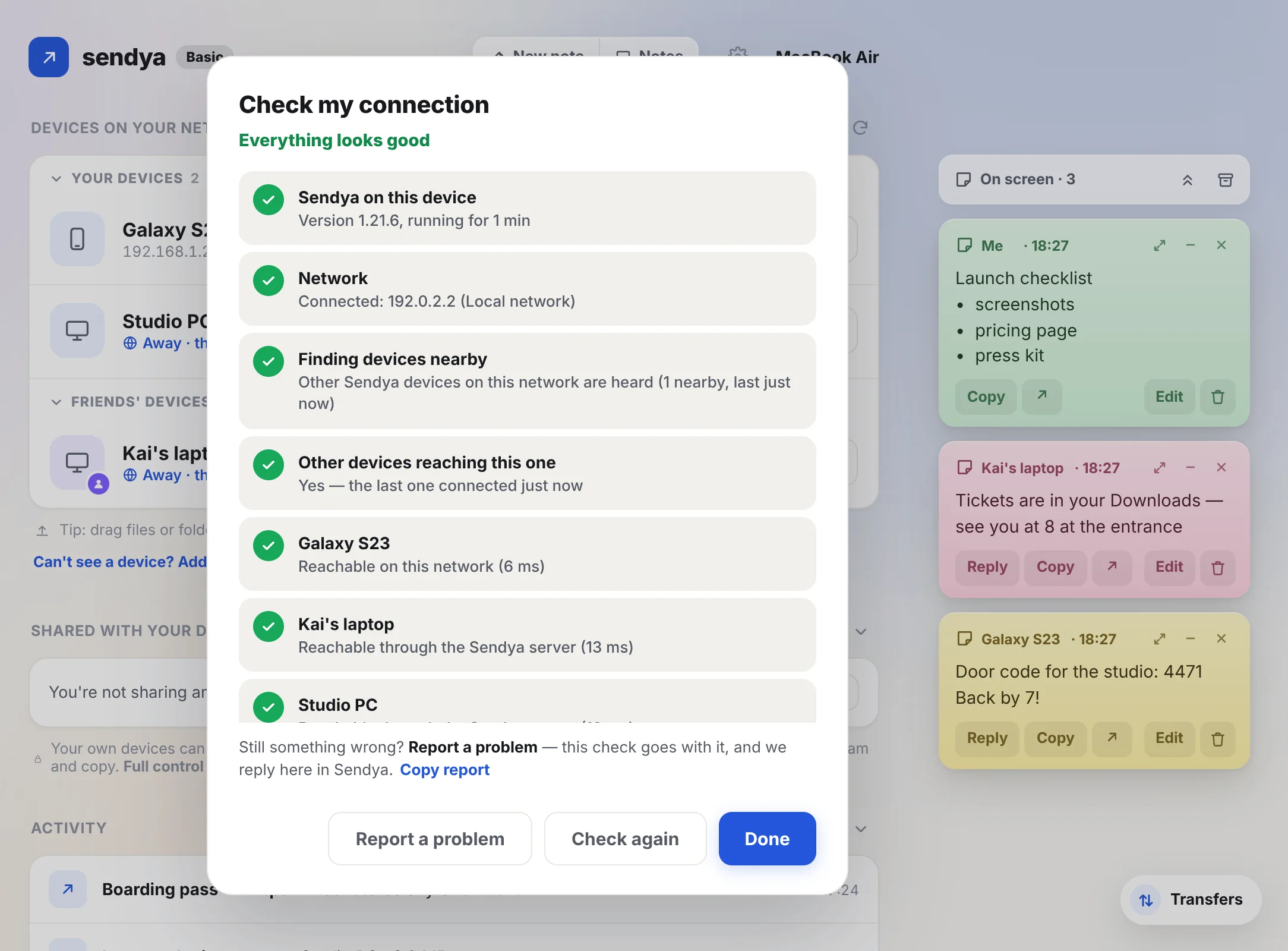
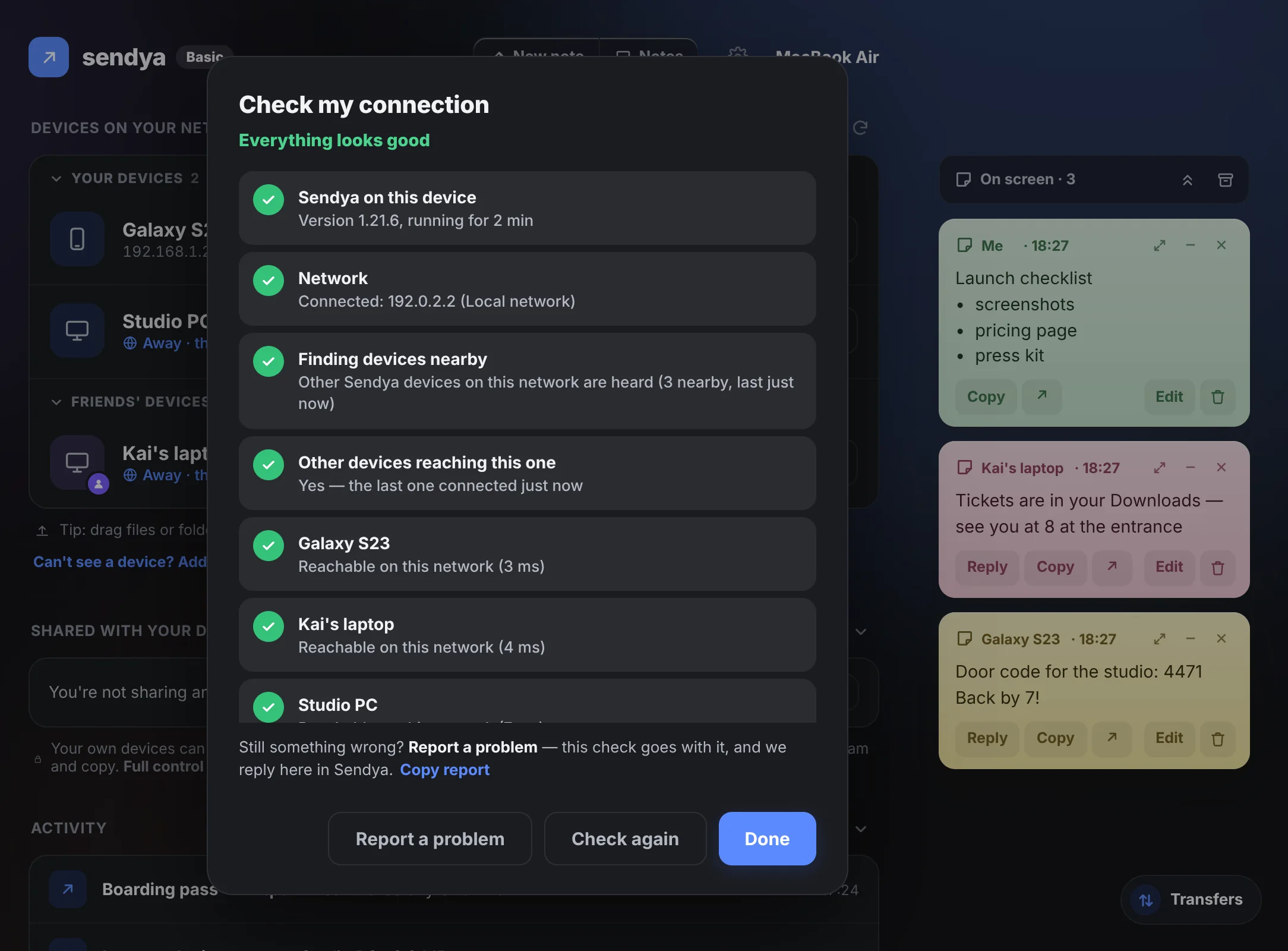
Right-click to send
On Windows, Mac and Linux: right-click a file → Send with Sendya. On a phone: Share → Sendya, from any app.
Light and fast
Opens in a moment and sends at the full speed of your Wi‑Fi.
Stays on your Wi‑Fi
On the same Wi‑Fi, your files normally go straight from one device to the other.
No ads. Ever.
Not on Basic, not anywhere. And we never sell your data.
No account.
Really.
We believe your data should stay private, and Sendya should be accessible to everyone. So there's nothing to sign up for.
No email, no password, no profile. When you pay, Stripe asks your email for the receipt. Sendya doesn't keep it. When you install Sendya, it makes its own random code. That code is your device: not your name, not your phone number, not a hardware ID.
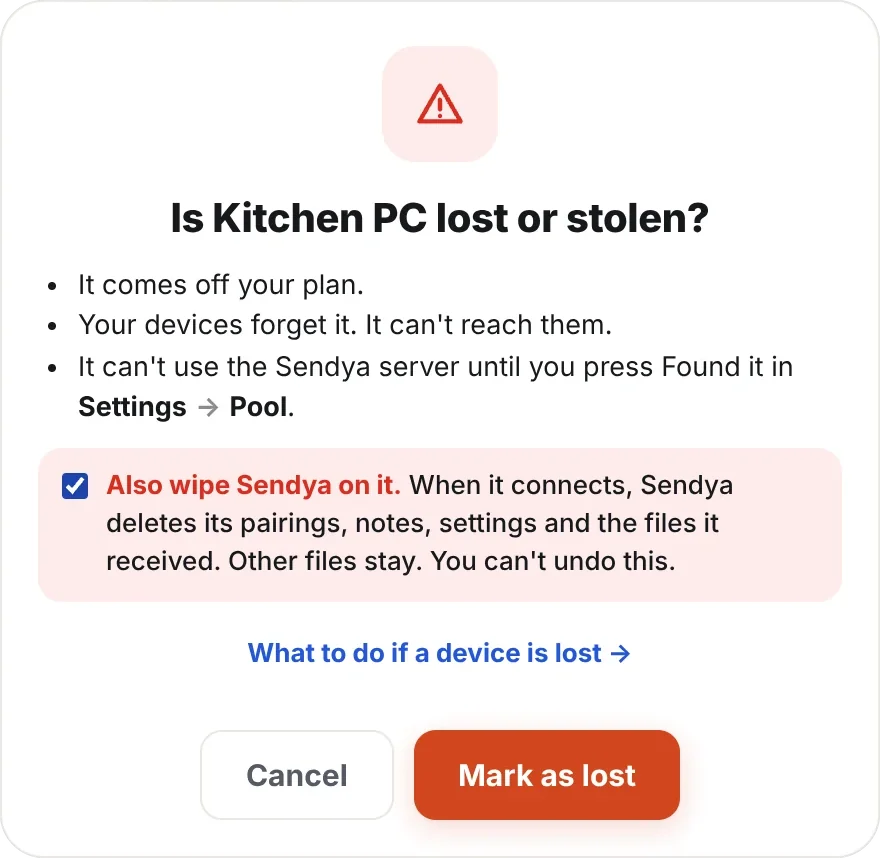
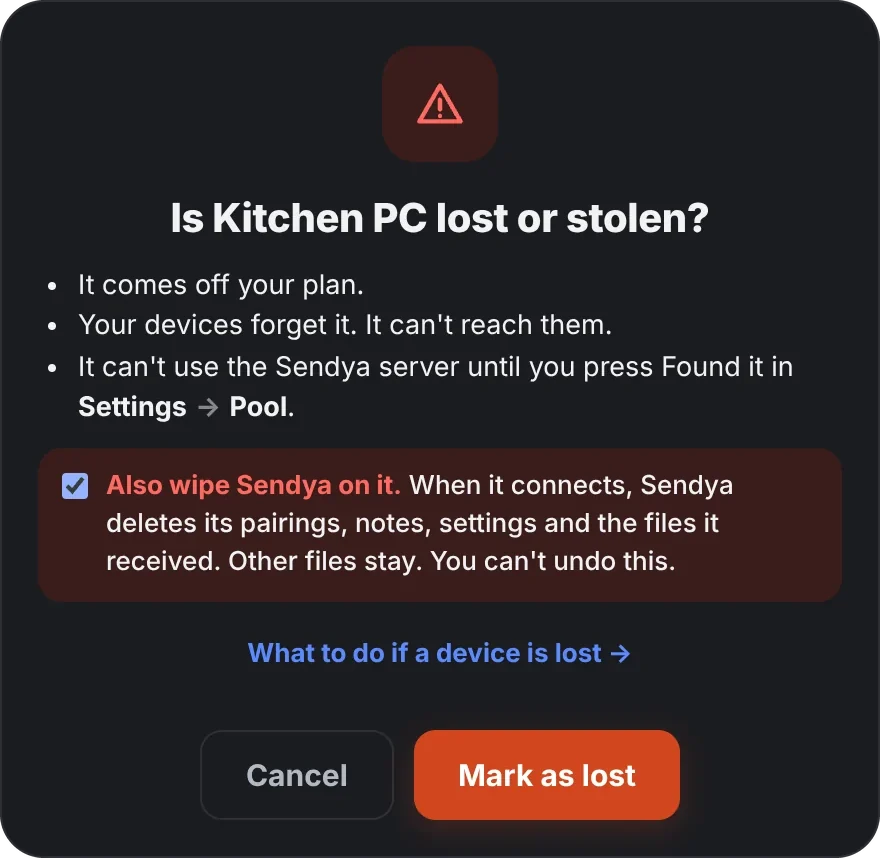
- A new device? Pair it with one of yours and add it to your plan.
- Replacing a phone? Add the new one, remove the old one in Settings → Pool.
- Lost everything? Your recovery code puts your plan on a new device — never your files.
- Your files, photos and notes
- File names and folder names
- Who you are — no account, so no name, email or phone number (unless you write to us)
- Your recovery code — only a fingerprint of it
- Anything on the same network: it never goes near us
Your team. Kept in order.
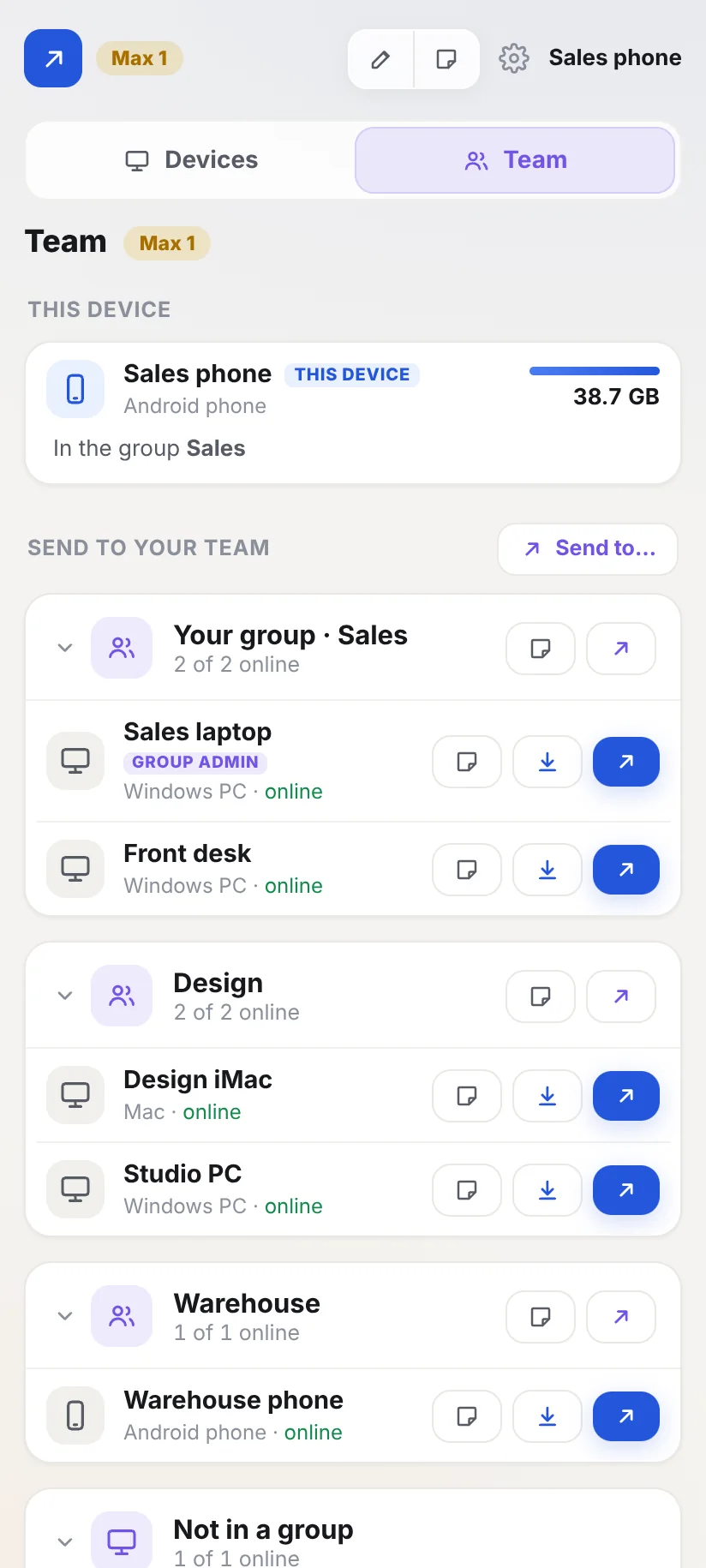
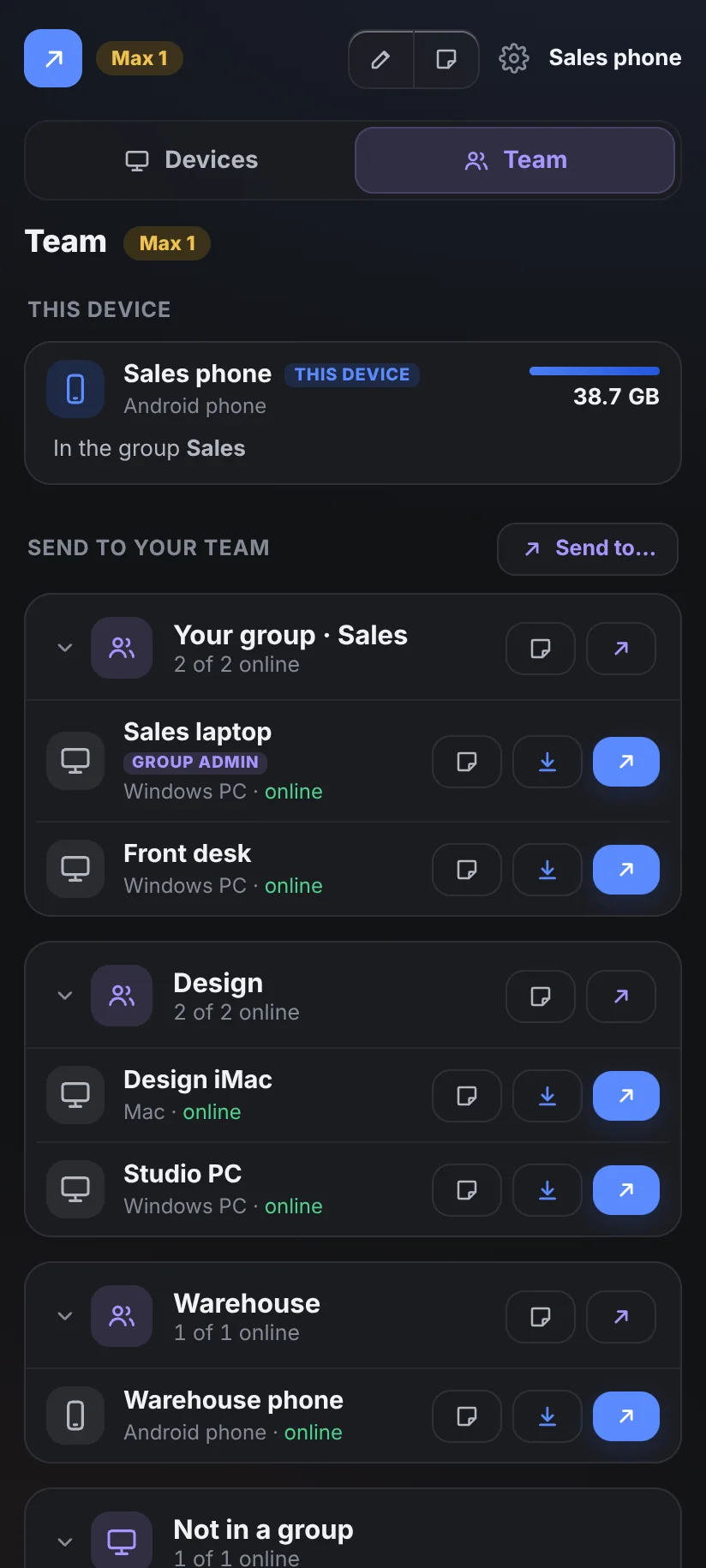
On Max, your team gets its own page in Sendya. Every work device in its group, and sending between colleagues without pairing.
One page for the whole team.
Put devices in groups — Sales, Design, the warehouse. Fold a group away when the list gets long.
- Send to a colleague from the Team page, or import from the folders they share. No pairing.
- Group admins add and look after the devices in their group
- Caps and reports: see what each device uses, and open it in Excel
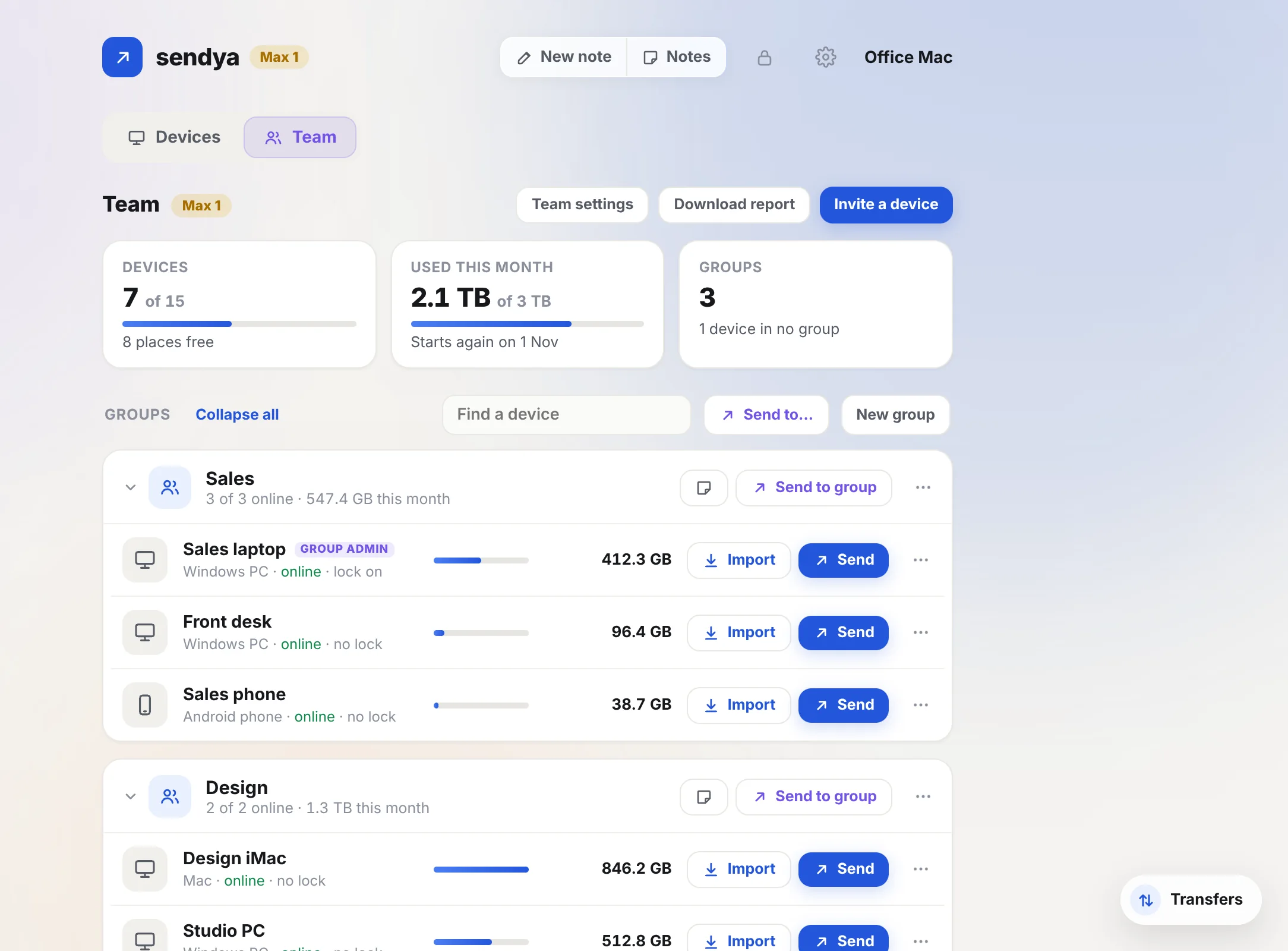
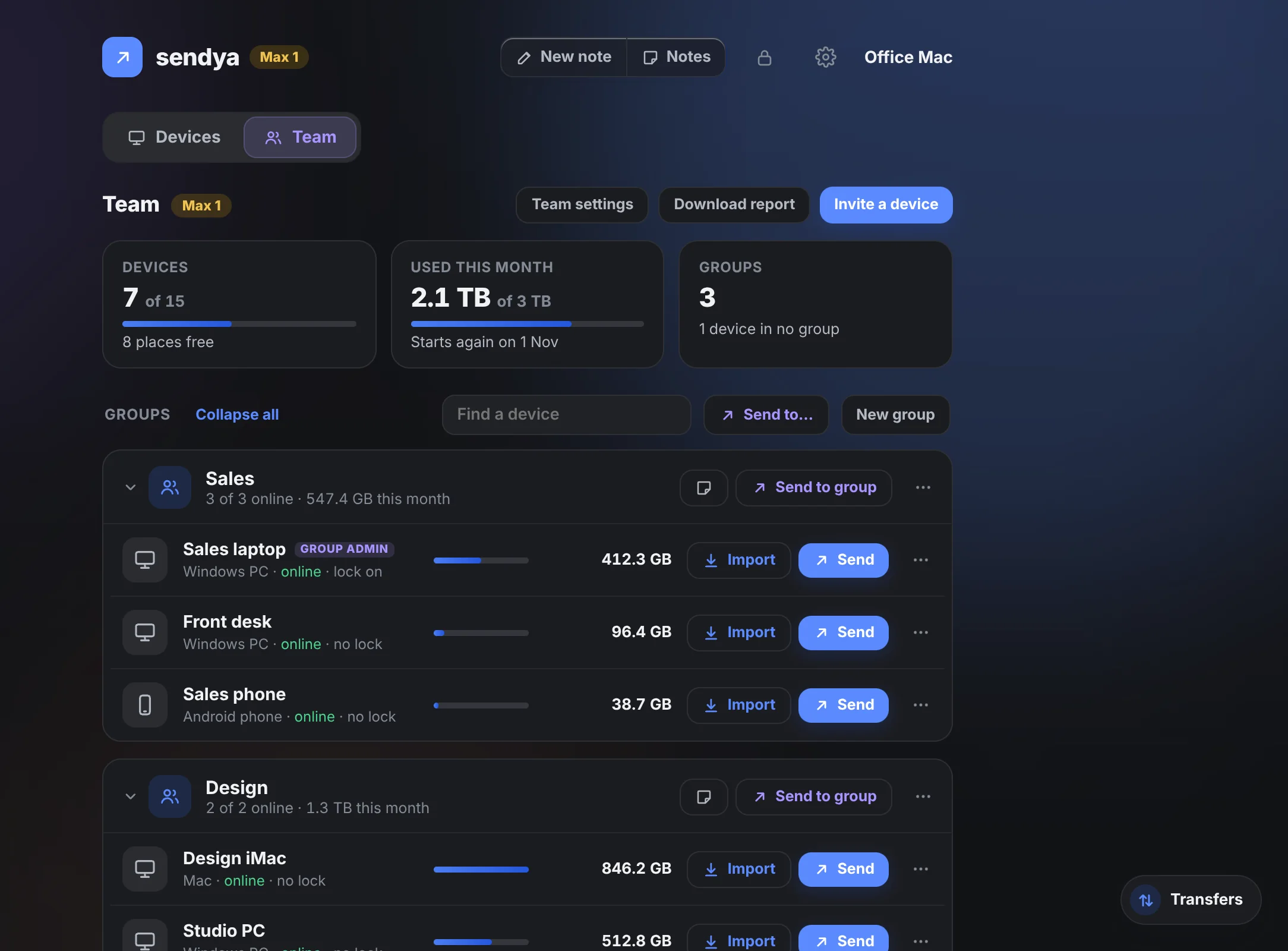
Work and personal, apart
Your own devices stay on Devices. Work is on the Team page. Files from colleagues go to a folder of their own.
Team folders
Share a folder with your group or the whole team. Colleagues open it with Import and take what they need.
Names, not files
Colleagues see who's on the team and online. Never what others send, or how much they use.